Someone messages "interested 😍" on your Reel at 11pm. You see it the next afternoon, reply with the price, and never hear back. It happens to almost every small seller, and it isn't because the buyer changed their mind about the product. They just moved on.
Selling through Instagram DMs works because a chat feels personal. It fails when the chat is slow, vague or ends without a clear way to pay. The fix is a simple routine you repeat for every buyer.
This article walks through that routine, step by step, for physical products, digital products and services. It covers how to turn comments into conversations, how fast to answer, how to take payment, how to follow up within Instagram's rules, and the messages to use at each step.
Key takeaways
Selling in DMs is a five-step routine: start the chat, answer fast, recommend one thing, send a way to pay, and follow up once. Most lost sales happen at step two, when the first answer takes hours.
Comments are the easiest way to start chats. Ask people to comment a keyword, and have a DM go out within seconds. Then ask a question in that DM, because Instagram's 24-hour messaging window only opens when the person replies.
Take payment with a payment link, a product page or a UPI ID, and always confirm the order details in writing first. Instagram is where you talk; the money moves through your payment provider or store.
You can follow up for 24 hours after the person's last message. Use that window for one helpful nudge, not three. If you want to reach them later, ask for an email or phone number while the chat is open.
What you can sell through DMs
DM selling suits anything where a short chat helps the buyer decide. The steps are the same, but the last message changes.
- Physical products: clothes, jewellery, home bakes, handmade goods. The buyer usually asks about price, size, colour or delivery, then pays by link, UPI or cash on delivery.
- Digital products: presets, templates, courses, ebooks. The buyer wants to know what's inside and whether it suits them, then pays on a checkout link and gets instant access.
- Services: coaching, photography, salons, design work. The buyer wants to know if you're a fit and what it costs, then books a call or pays a deposit.
If you have a shop or product tags set up, DMs sit alongside them. For setting up a shop, tagging products and Meta's move to website checkout, see how to sell on Instagram. This article stays inside the inbox.
Step 1: Turn comments into conversations
Most buyers won't DM you first. They'll comment, because it's easier. Your job is to turn that comment into a private chat.
Give people a reason and a word. "Comment SIZE and I'll DM you the size chart and price" works better than "DM for details", because it tells them exactly what to do and what they'll get. Put the instruction in the caption and on the first frame of a Reel.
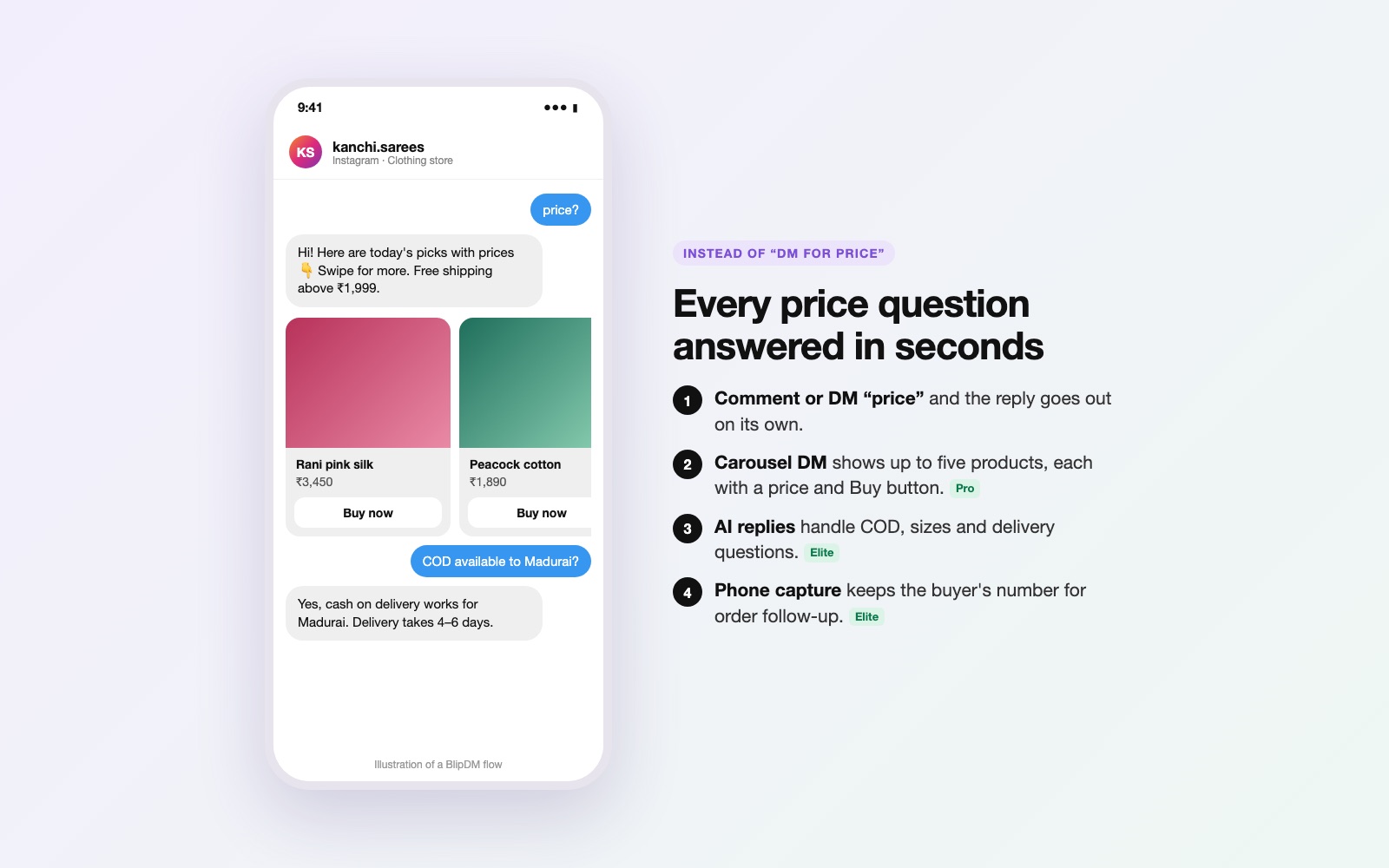
Use automation so the first DM goes out in seconds, day or night. Each comment can get one private reply within 7 days of the comment, which is a Meta rule, so every commenter gets exactly one opening message. Choose a keyword people only type on purpose; how to choose a comment keyword has examples.
Here's the part many sellers miss. A private reply to a comment doesn't open the full conversation. Instagram's 24-hour window for follow-ups opens when the person sends you a message. So end your first DM with a question.
Opening DM with a question:
"Hi! The block-print kurta is ₹1,450 and comes in S to XXL. Which size are you usually? I'll check it's in stock for you 😊"
Stories work the same way. "Reply YES for the price" turns every reply into a chat that's already open.
Step 2: Answer fast
Speed is the biggest single lever in DM selling. Someone who asked a question is looking at your product right now. An hour later they're looking at something else.
Three ways to answer fast, from cheapest to most hands-off:
- Saved replies. Instagram lets you save answers to common questions and insert them with a shortcut. Good when you're at your phone. See Instagram quick replies.
- Keyword automation. Comment keywords, Story replies and DM keywords each trigger an instant reply with the answer and a link.
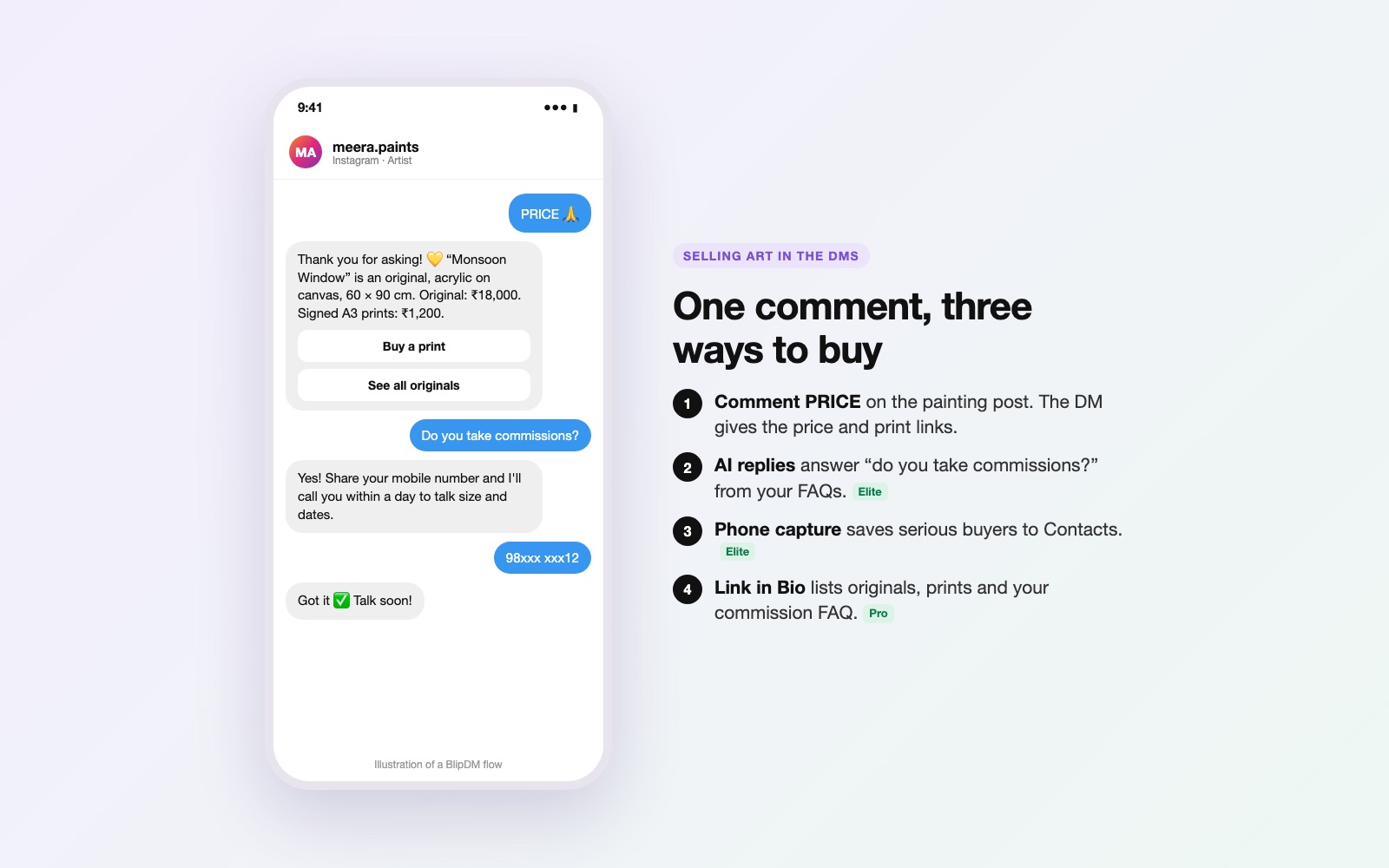
- AI replies. On BlipDM's Elite plan, AI replies read DMs written in the buyer's own words and answer the repetitive questions, such as price, sizes, delivery and how to book. Anything it can't answer stays in your inbox for you.
Automation handles the first answer. You still close the sale. Check your inbox at set times each day, such as morning, lunch and evening, and reply to anyone who has answered your question.
Step 3: Recommend one thing
When a buyer replies, don't send your whole catalogue. Ask one question, then recommend one option.
For products, the question is usually size, colour or occasion. For digital products, it's level or goal. For services, it's what they want to achieve and by when.
Product, after they reply with a size:
"M is in stock in both colours. Most people pick the indigo, it's the one in the Reel. Want me to send the link for indigo in M?"
Digital product:
"If you're just starting out, the Starter pack is the one. It has 12 templates and a short video on how to use them. Shall I send the link?"
Service:
"Thanks for sharing that. For a 4-week goal like yours, the 1:1 starter session is the best fit. It's ₹2,500 for 60 minutes. Want to see this week's slots?"
Asking "Shall I send the link?" sounds small. It gets a yes, and a yes keeps the window open.
Step 4: Send a clear way to pay
Instagram is where you talk. The payment happens somewhere else. Pick one method per product and make it one tap.
- Payment link. Razorpay, Stripe, PayPal and most store builders let you create a link for a fixed amount. Best for made-to-order and custom prices.
- Product or checkout page. If you have a store, link straight to the product, not the home page. Store owners can go further with cart links; see Instagram DM automation for ecommerce.
- UPI. Common in India. Share your business UPI ID or a payment link, and ask for the transaction reference after payment.
- Cash on delivery. Many first-time buyers in India prefer it. Say clearly if you offer it.
- Booking link. For services, a calendar link that takes payment or a deposit.
Before you send the link, confirm the order in one message: item, variant, price, delivery charge and delivery time. It avoids disputes later.
Order summary with payment:
"Done! Here's your order: Indigo kurta, size M, ₹1,450 + ₹60 delivery = ₹1,510. Ships in 2 days. Pay here and I'll confirm as soon as it's through. [Pay ₹1,510]"
UPI:
"You can pay ₹1,510 to our UPI ID shopname@upi. Once done, just reply with the last 4 digits of the transaction ID and I'll book your order 📦"
Step 5: Follow up inside the 24-hour window
Many buyers say "I'll check and let you know" and then forget. A single, friendly follow-up brings a lot of them back.
Meta's rule is simple. After someone messages you, you can message them for 24 hours from their last message. After that, automated and promotional messages aren't allowed. A real person can still reply for up to 7 days using the Human Agent tag, for genuine support questions, not sales pushes.
So time your follow-up for a few hours after they go quiet, while the window is still open. Make it useful, not pushy.
Gentle follow-up:
"Hi again! Just checking if you had any questions about the kurta. M in indigo is still in stock, but there are only 3 left."
Follow-up with a reason to act today:
"Quick one: free delivery ends tonight at midnight. Want me to keep an M aside for you?"
Follow-up for a service:
"I've got two slots left this week, Thursday 6pm and Saturday 11am. Shall I book one for you?"
Stop after one or two. If there's no reply, let it go. Pushing past that is how chats turn into reports.
Keep a way to reach them later
The 24-hour window means you can't message past buyers about your next drop through DMs. While the chat is open, ask if they'd like updates by email or WhatsApp.
Asking for contact details:
"Would you like a heads-up when the new prints drop? Share your email or WhatsApp number and I'll send it to you first."
Step 6: After the sale
The sale isn't the end of the chat. A good after-sale message builds the repeat orders that make DM selling worth it.
Order confirmed:
"Payment received, thank you! 🙏 Your order ships tomorrow and I'll send the tracking link here."
Asking for a review:
"Hope you love it! If you share a photo in your Stories and tag us, we'll feature you, and you'll get 10% off your next order."
When a customer tags you in a Story, that mention starts a new conversation, so you can reply and thank them.
Selling through DMs with BlipDM
BlipDM automates the first touch, so every comment, Story reply and DM keyword gets an answer in seconds. You take over once the buyer replies.
- Connect your account through Instagram's own login. You need a business or creator account.
- Pick a "sell" template and choose the post or Reel and keyword.
- Write the opening DM with a question at the end, plus up to three link buttons. Add a public reply such as "Sent you the price 📩".
- Add a Story reply or DM keyword automation for people who don't comment.
- Test from a second account, then go live.
What each plan adds for DM selling:
- Free ($0): 500 DMs a month and unlimited automations. Enough to try the routine on a few products.
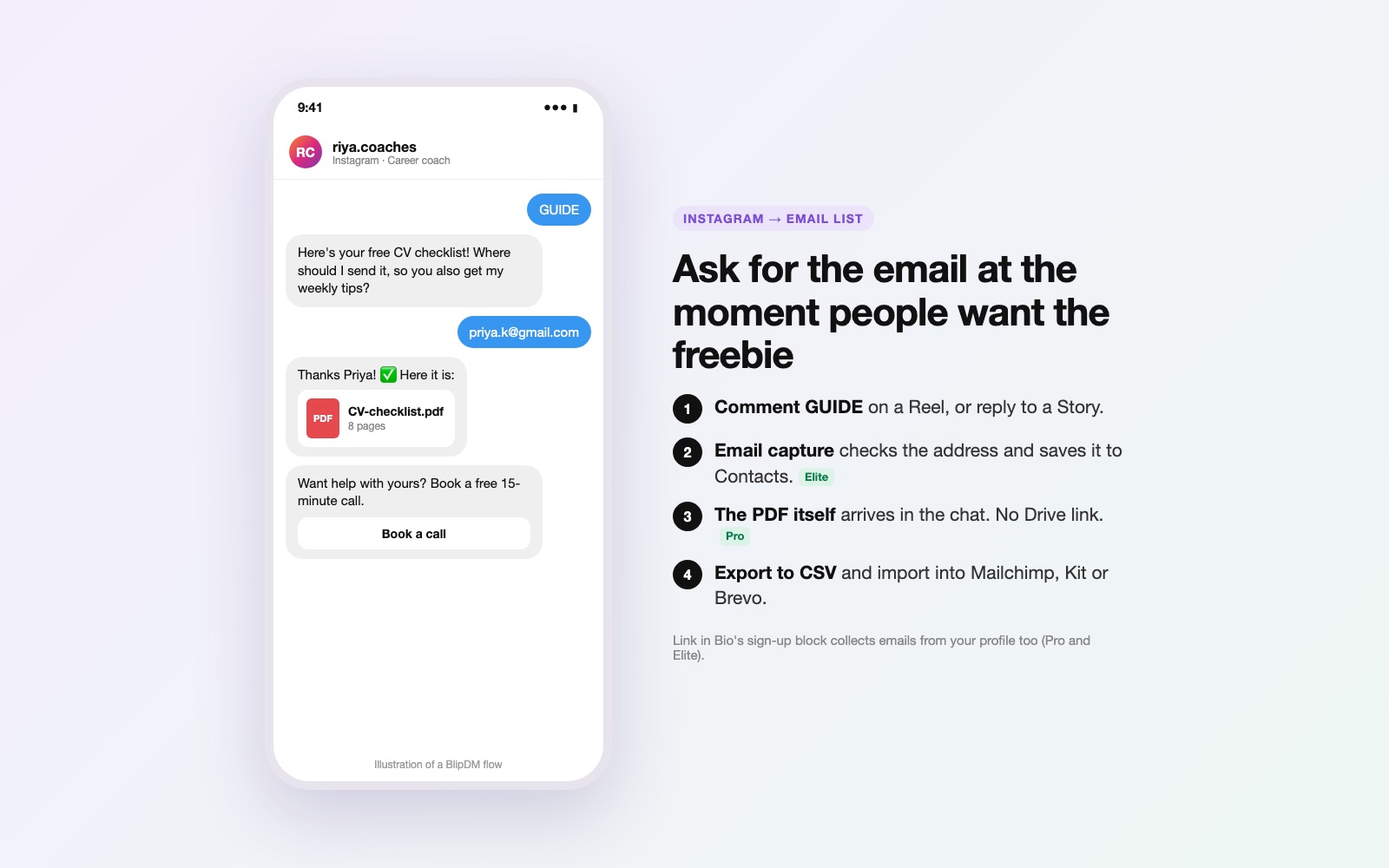
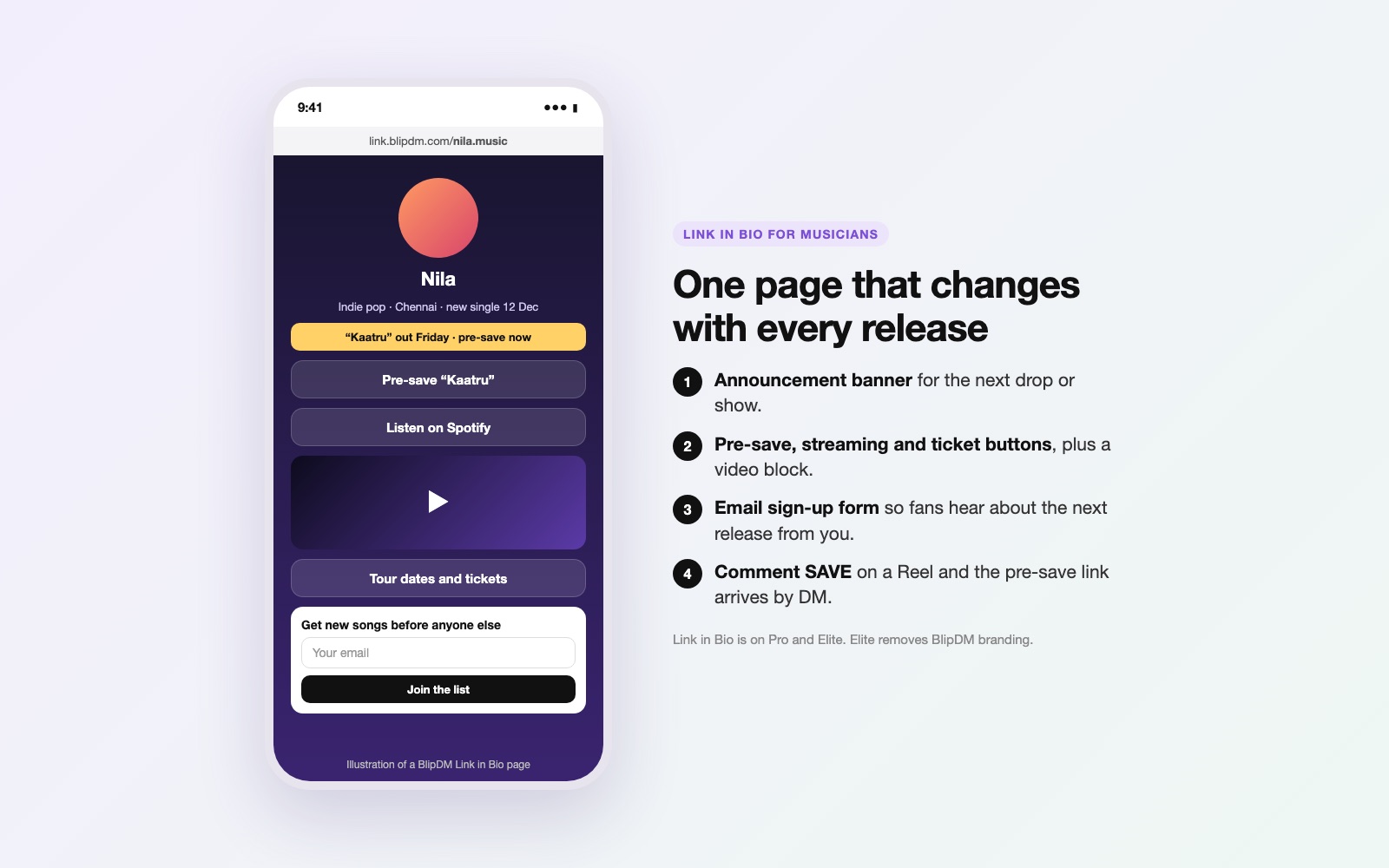
- Pro ($3 or ₹99 a month): 50,000 DMs, product carousels of up to five items, PDF delivery for digital products, and Link in Bio.
- Elite ($6 or ₹499 a month): unlimited DMs, AI replies for FAQs, and Ask for Email & Phone, which collects contact details inside the DM so you can reach buyers after the 24-hour window.
Contacts are unlimited on every plan. You can pay by card or UPI, with UPI AutoPay in India. See pricing for the full list, or start with your first comment-to-DM automation.
Frequently asked questions
Can you sell directly through Instagram DMs?
Yes. Many small sellers take orders in DMs and send a payment link, a UPI ID or a product link to complete the purchase. Instagram is where you agree the order; the payment goes through your payment provider or store.
How do I get people to DM me to buy?
Ask them to comment a keyword, such as "Comment PRICE", and send the details by DM automatically. Story prompts like "Reply YES for the link" work too. Both are easier for buyers than writing a message from scratch.
How long can I message a customer on Instagram?
For 24 hours after their last message. After that, automated and promotional messages aren't allowed, though a real person can reply to support questions for up to 7 days with Meta's Human Agent tag.
How do I take payment in Instagram DMs?
Send a payment link from a provider such as Razorpay, Stripe or PayPal, a link to the product in your store, or your business UPI ID. Confirm the item, price and delivery charge in writing before you send it.
Should I follow up if a buyer doesn't reply?
Yes, once or twice, within 24 hours of their last message. Make it helpful, such as a stock update or a delivery deadline. If there's still no reply, stop.
Can I DM people who liked my Reel or followed me?
No. On Meta's official API, automation can only reply to people who commented, replied to a Story, mentioned you or messaged you. There's no way to DM likers automatically, and new followers only in a limited Meta beta for eligible creators, which BlipDM doesn't offer.
Do I need automation to sell through DMs?
Not to start. You can sell by hand with saved replies. Automation helps once questions arrive faster than you can answer, or outside your working hours, because a reply in seconds catches buyers while they're still interested.
Sources
- Meta for Developers, Instagram Platform messaging and private replies documentation (24-hour window, Human Agent tag, one private reply per comment within 7 days).
- Instagram Help Centre, saved replies for professional accounts.
- BlipDM pricing and product documentation for plans, AI replies, Ask for Email & Phone and payment options.