The Secret to Choosing Instagram Comment Keywords
Choose simple, memorable keywords that feel natural to type and trigger the right automation. Learn what makes a keyword work, what to avoid, and how to choose one for your next Instagram post.

 Meta Tech Provider
Turn Instagram conversations into sales.
Auto-reply to comments, stories, and DMs instantly. Set up your automation in minutes and turn more conversations into customers.
Get StartedWhen you set up a comment-to-DM automation, you decide what triggers the message. There are two choices:
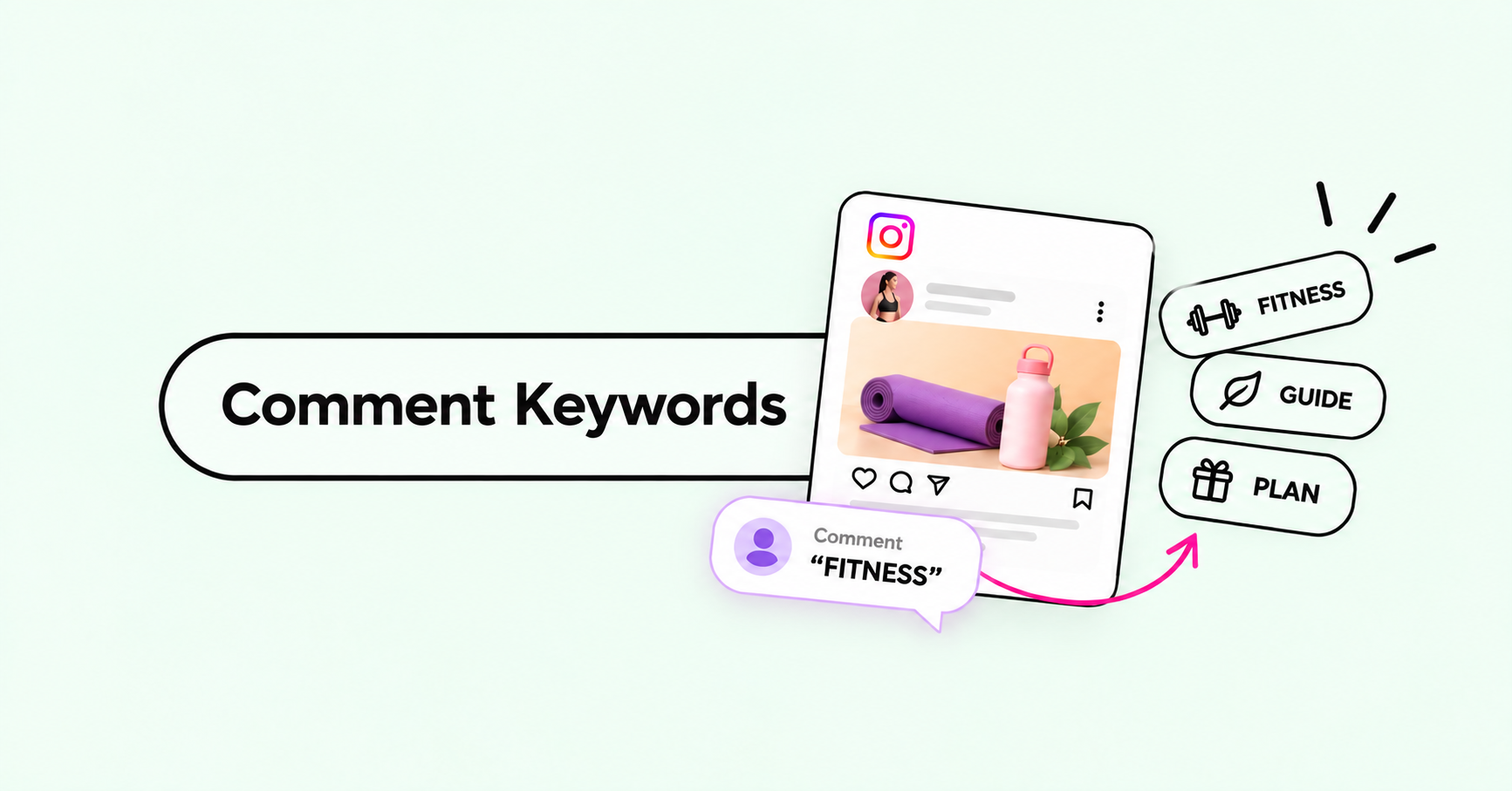
- A specific keyword. The DM goes out only when a comment contains your word, such as
PLAN. - Any comment. The DM goes out for every comment on the post, whatever it says.
Neither is better. They suit different posts. This guide follows one example, an online fitness coach called Sam with two posts, to show how to choose and what to expect.
Two posts, two triggers
Post 1: a workout video. Sam wants to send a free 4-week plan to people who ask for it. The caption says: "Comment PLAN and I'll DM you the 4-week plan." In the builder, Sam picks A specific keyword and types PLAN.
Here is what happens to the comments:
| A commenter writes | Does the DM go out? |
|---|---|
| plan | Yes |
| Plan please 🙏 | Yes |
| Can you send me the plan? | Yes |
| Love this workout 😍 | No |
The last comment is a compliment, so it doesn't get a plan it didn't ask for. That is the point of a keyword: only people who ask get the message.
Post 2: a giveaway. Sam is giving away a month of free coaching: "Comment below to enter." There is no word to remember here, so Sam picks Any comment. Everyone who comments, even with a single emoji, gets a DM confirming their entry.
If you choose a keyword
Pick a word that is:
- An everyday dictionary word.
PLAN,RECIPE,GUIDEorPRICE. People type real words quickly, and phone keyboards tend to autocorrect made-up spellings likePLANZinto something else, so the comment would miss. - Short and easy to type on a phone. One word, ideally under seven letters.
- One word, not a phrase. A keyword like
SEND LINKonly matches when those two words appear together, in that order, with a single space between them. "Send me the link" would not trigger it. - Letters only. Keep symbols and emoji out of the keyword itself. If your keyword is
#PLAN, commenters have to type the#too. If it isPLAN, they can write "#plan", "plan!" or "PLAN 💪" and it still works. - Related to what people get.
PLANfor a plan,RECIPEfor a recipe. People remember a word that matches the reward.
Everyday words are easy to type, which also means they sometimes turn up in ordinary comments. "No plan for today" would trigger PLAN too. For most posts that is fine, because the person gets a helpful message. If it would bother you, pick a word that is more specific to the post.
The keyword box in the builder also suggests PRICE, LINK, SHOP, RECIPE, INFO and ORDER. Tap one to use it.
How matching works
Commenters don't have to format anything. BlipDM looks for your keyword as a whole word anywhere in the comment. Capital letters don't matter, and punctuation or emoji next to the word are fine, so people can write it however they like, inside a sentence of their own.
What it doesn't do is guess. The word has to be there in full:
Keyword PLAN |
Does the DM go out? |
|---|---|
| "I need a plan" | Yes |
| "#plan" or "PLAN!!" | Yes |
| "plans" or "planning" | No |
| "plam" (a typo) | No |
| "p l a n" | No |
Other forms of the word, and typos, don't count. That is why the next section matters most.
Tell people the exact word
Because only the exact word triggers the DM, the most reliable thing you can do is show people what to type:
- In the first line of your caption: "Comment PLAN and I'll DM you the plan."
- On the video or image itself, in large text.
- In a pinned comment, if the post already has plenty.
Most people will simply type the word you show them.
Which one should you use?
- You want to send something to people who ask for it, such as a plan, a price list or a link: use a keyword.
- You want every commenter to get a reply, such as a giveaway, an announcement or a small post: use Any comment.
- Same message on every post: use Any post with one keyword. Different messages on different posts: create one automation per post, each with its own word, such as
PLANon the workout video andMENUon the meal-prep post.
You can change any of this later by editing the automation.
To build one, follow Set up your first comment-to-DM automation.
Keep reading
How to send product carousels to Instagram DMs (2026)
Turn one keyword comment into a swipeable carousel of products in your customer's inbox, with an image, caption and button on every card.
Set up your first comment-to-DM automation
Connect Instagram, pick a post, choose a keyword and write your message. You can be live in a few minutes, on the Free plan.