How to send product carousels to Instagram DMs (2026)
Turn one keyword comment into a swipeable carousel of products in your customer's inbox, with an image, caption and button on every card.

 Meta Tech Provider
Turn Instagram conversations into sales.
Auto-reply to comments, stories, and DMs instantly. Set up your automation in minutes and turn more conversations into customers.
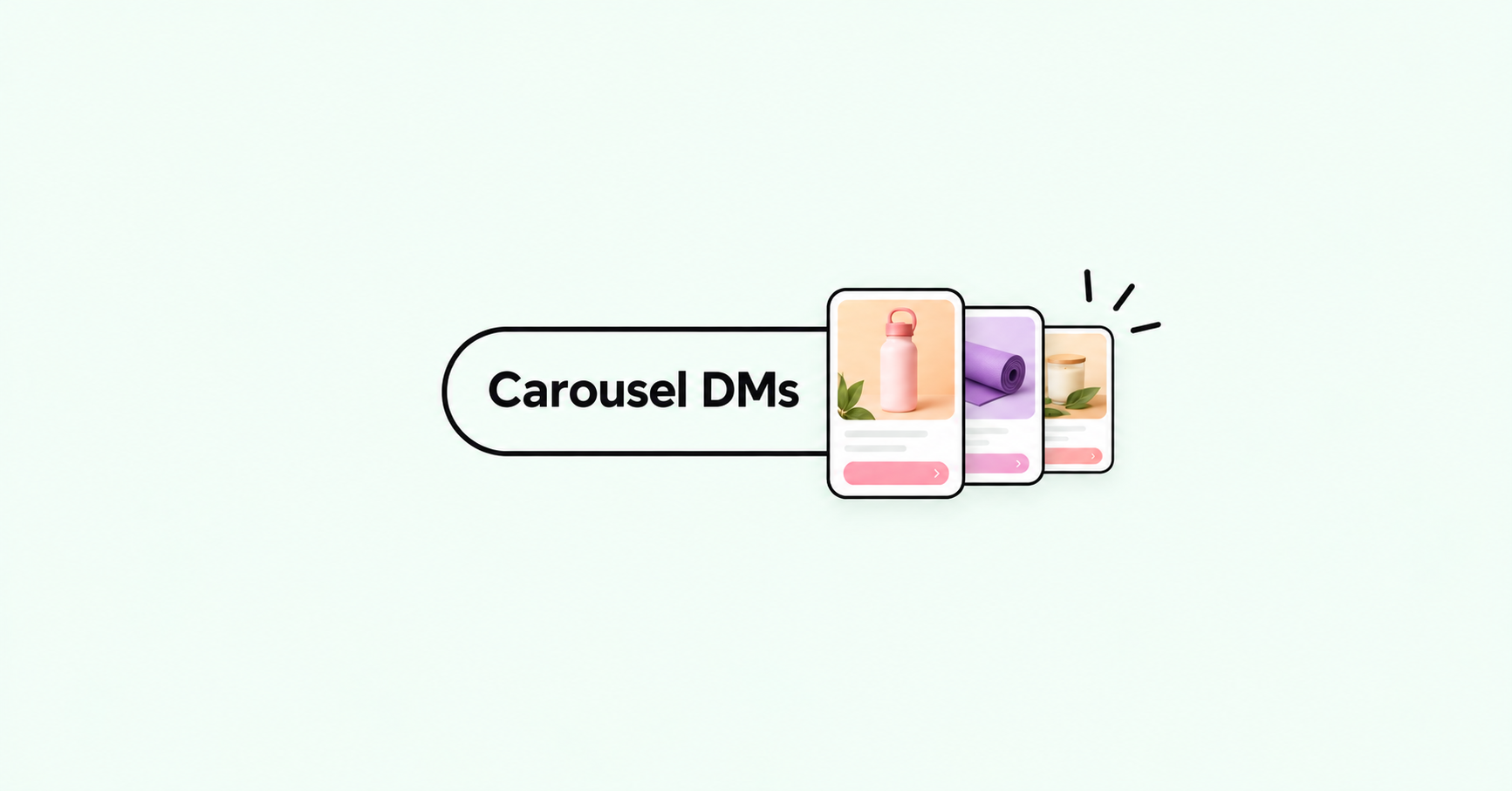
Get StartedA carousel DM is one message with several swipeable cards. Each card has its own image, a short caption and a button, so someone who comments a keyword on your post can browse a handful of products without leaving their inbox.
This guide walks through building one in BlipDM, from choosing the post to switching the automation on.
Before you start
You will need:
- An Instagram professional account connected to BlipDM.
- An image for each product, saved as a PNG or JPEG.
- A link for each product's button, such as a product page or a checkout link.
1. Choose the post
Click New Automation and pick Comment to DM. Under Select your post, choose A specific post to attach the automation to one post, or Any post to run it on all of them.
2. Choose your trigger keyword
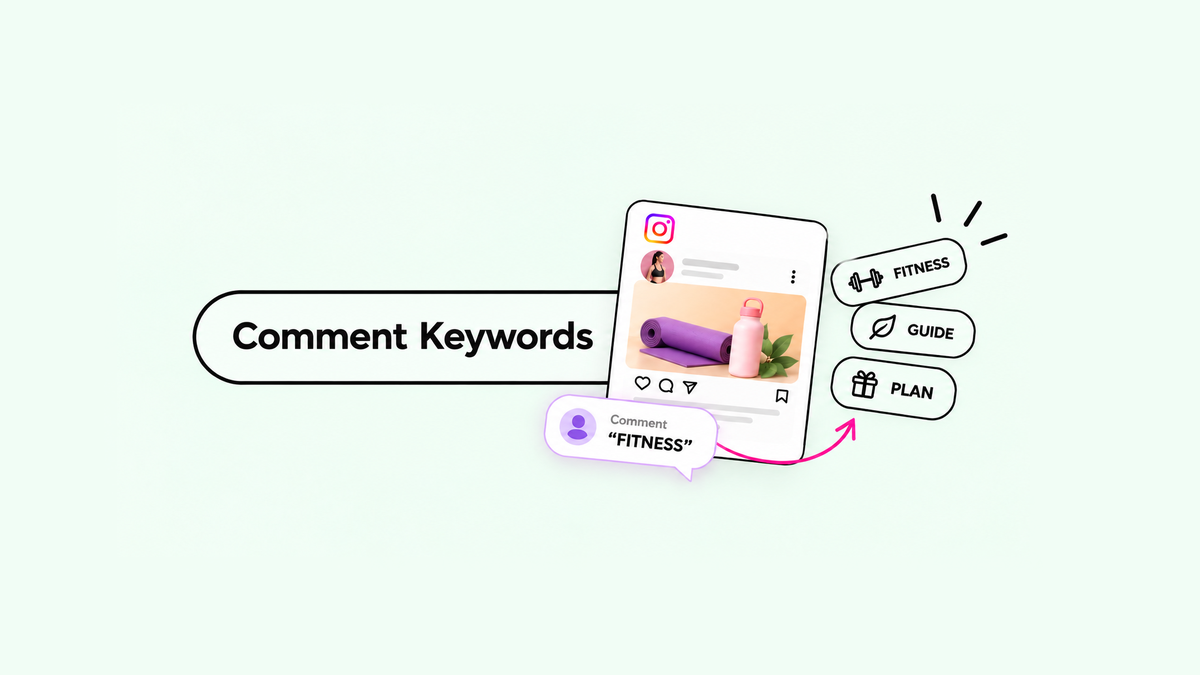
Under Choose your trigger keyword, pick A specific keyword and type the word you will ask people to comment, such as SHOP. Or pick Any comment to reply to everyone.
A short, easy-to-type word works best. The Secret to Choosing Instagram Comment Keywords covers what to look for.
3. Build the carousel
In DM Message, switch to the Carousel tab. Every card has three parts:
- Image: upload a PNG or JPEG.
- Caption: up to 80 characters. The product name and price is usually enough.
- Button: one link button per card, pointing to that product.
Use + Add Card to add more cards, up to five in total. The phone preview beside the form shows the carousel the way your customer will see it.
4. Save and activate
Click Save & Activate. To test it, comment your keyword on the post from a second Instagram account and check that the carousel arrives.
Tips for a carousel people finish swiping
- Lead with your best seller. The first card is the one everyone sees, so it gets the most attention.
- One product per card. A card that tries to show a bundle is harder to read and harder to click.
- Keep captions short. Eighty characters is the limit, and shorter reads better on a small card.
- Say which word to comment. Put the keyword in your post caption or on the image, so people know what to type.
Keep reading

Set up your first comment-to-DM automation
Connect Instagram, pick a post, choose a keyword and write your message. You can be live in a few minutes, on the Free plan.
The Secret to Choosing Instagram Comment Keywords
Choose simple, memorable keywords that feel natural to type and trigger the right automation. Learn what makes a keyword work, what to avoid, and how to choose one for your next Instagram post.