"DM for price" means a seller on Instagram won't show the price in the post and asks buyers to send a message to find out. It loses sales when nobody answers fast, because the buyer's interest fades while they wait. The fix isn't to stop giving prices in DMs. It's to answer every "price?" automatically, in seconds, with the price, the product and a link to buy.
Sellers keep "DM for price" for real reasons. This article covers those reasons, what buyers dislike about it, and how to keep the conversation in the DMs without making anyone wait, using comment-to-DM, carousels, AI replies, phone capture and a Link in Bio page.
Key takeaways
- Waiting is what loses the sale, not the DM itself. A price that arrives in five seconds feels like service. One that arrives the next evening feels like a chore.
- Automate the first reply. A comment or DM containing "price" gets an instant message with the price and a buy button, on every plan of BlipDM, including Free.
- Show several products at once. A carousel DM (Pro and Elite) sends up to five product cards, each with an image, price and button.
- Let AI handle the follow-up questions. COD, sizes, delivery time, returns. AI replies (Elite) answer from your FAQs, and leave anything unclear for you.
- Keep the buyer's number. Phone capture (Elite) saves it to Contacts, so you can confirm the order or tell them about the restock.
Why sellers use "DM for price"
Small businesses on Instagram, especially in India, use "DM for price" or "price in DM" for reasons that make sense:
- Prices change. Gold jewellery, handloom, imported goods and made-to-order items change price with costs, so a price in last month's post would be wrong.
- Competitors watch. Some sellers don't want rivals copying their pricing from the feed.
- The DM starts a conversation. Once someone messages, the seller can recommend a size, suggest a matching piece and close the sale.
- Each piece is different. One-of-a-kind sarees, art and vintage items need a separate price for each.
None of these is wrong. The problem is the gap between the question and the answer.
What buyers don't like about it
Look at the comments under any "DM for price" post and you'll see "price?", "price pls", "dm sent", "no reply yet". Buyers find it frustrating for three reasons:
- They have to wait. Many shops answer DMs once or twice a day. The buyer has moved on to another shop that shows prices.
- They feel judged. Some people worry the price depends on who's asking, or don't want to message if it might be too expensive.
- It's extra effort. Writing a message is more work than reading a price. Some people just scroll on.
You can keep prices in the DM and remove all three problems by replying automatically, immediately, with the real price.
The better way: an instant price reply
Here's how a shop sets this up in BlipDM, step by step.
1. Comment PRICE, get the price in seconds
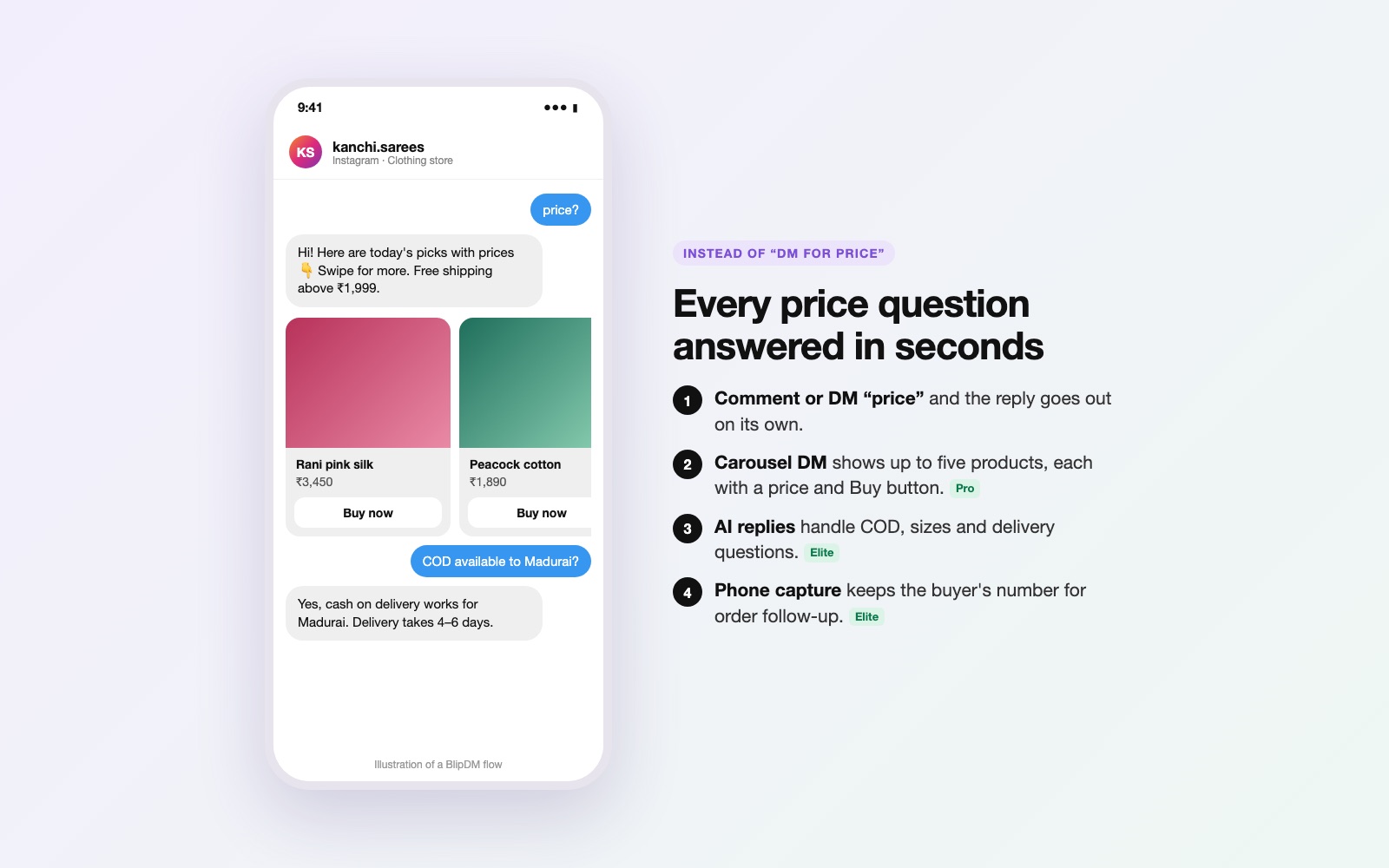
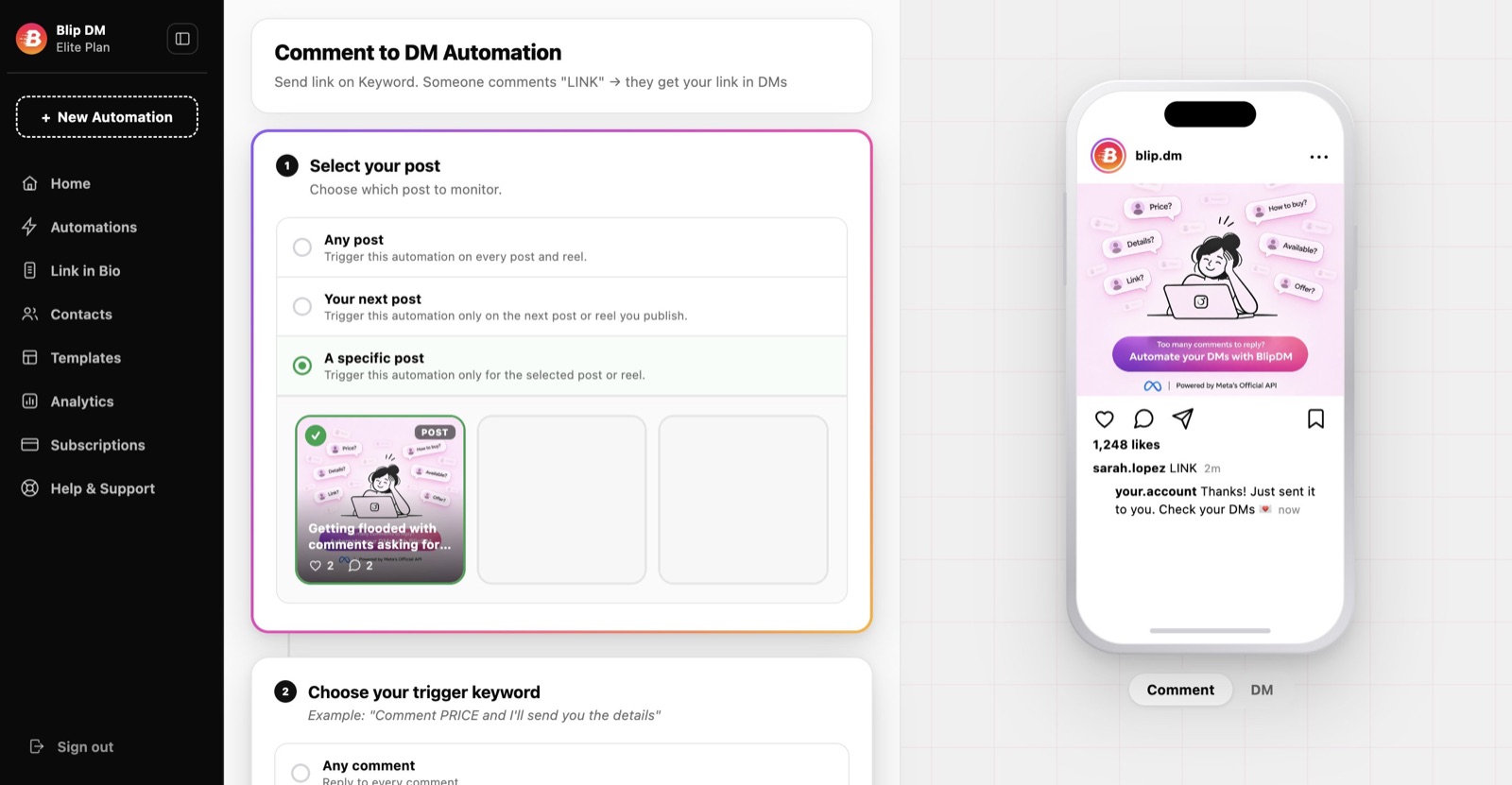
Change "DM for price" in your captions to "Comment PRICE and we'll DM you the price". Then create a comment-to-DM automation on that post with the keyword PRICE.
BlipDM matches the keyword as a whole word anywhere in the comment and ignores capitals, punctuation and emoji, so "price?", "PRICE pls" and "Price 🙏" all trigger it. Typos and other words, such as "rate" or "kitna", don't, so add those as extra keywords if your buyers use them. More on choosing a comment keyword.
The DM can hold up to 400 characters and up to three link buttons: the price, what's included, delivery, and "Buy now", "See more colours", "Size chart".
Add a public reply as well, such as "Sent you the price! Check your DMs 💌", so people scrolling the comments see that asking gets an instant answer.
2. Catch the people who DM "price" directly
Plenty of buyers skip the comments and message you. An inbox auto-reply sends the same answer when a DM contains your keyword. Use it for "price", "rate" and "cost", and point it to your current catalogue or ask which product they mean.
3. Send a carousel of products with prices
For a collection post or a new arrivals Reel, one price isn't enough. A carousel DM (Pro and Elite) sends up to five swipeable cards in one message, each with its own image, product name and price, and its own "Buy now" button that goes to the product page or payment link.
The buyer who asked about one saree sees four more, all priced. This is the closest thing on Instagram to a shop window that answers. How carousel DMs work.
4. Let AI answer the second question
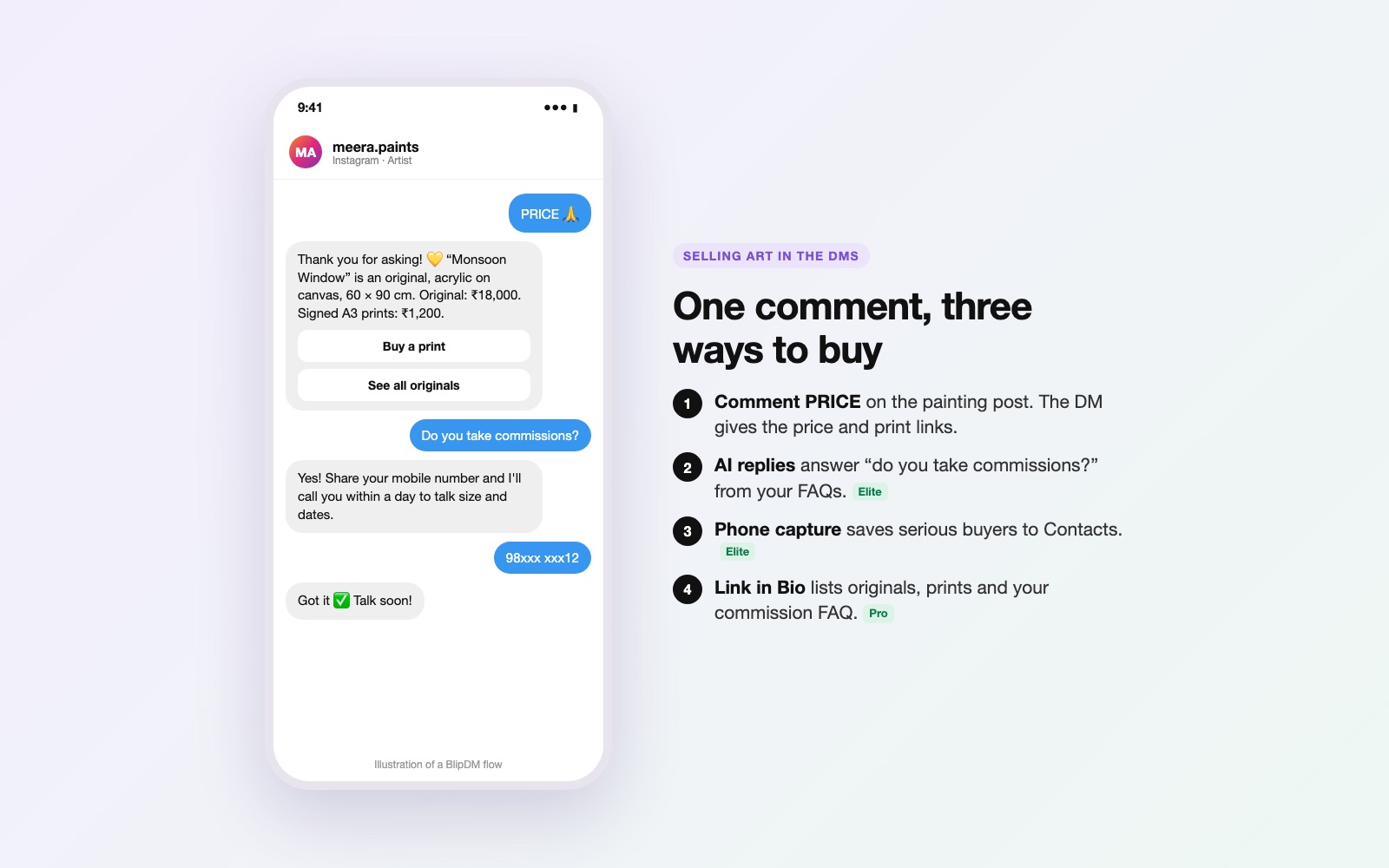
After the price comes the real conversation: "COD available?", "Do you have it in XL?", "Delivery to Coimbatore?", "Can I return it?". These arrive worded a hundred different ways, which keyword replies can't handle.
AI replies (Elite) answer them from the FAQs and product overview you give BlipDM, in your shop's voice, at any hour. Write the FAQ exactly: COD areas and limits, size chart, delivery times by region, return policy. Anything the AI can't answer from your material is left in your inbox for you. More on AI replies.
5. Save the buyer's number for the order
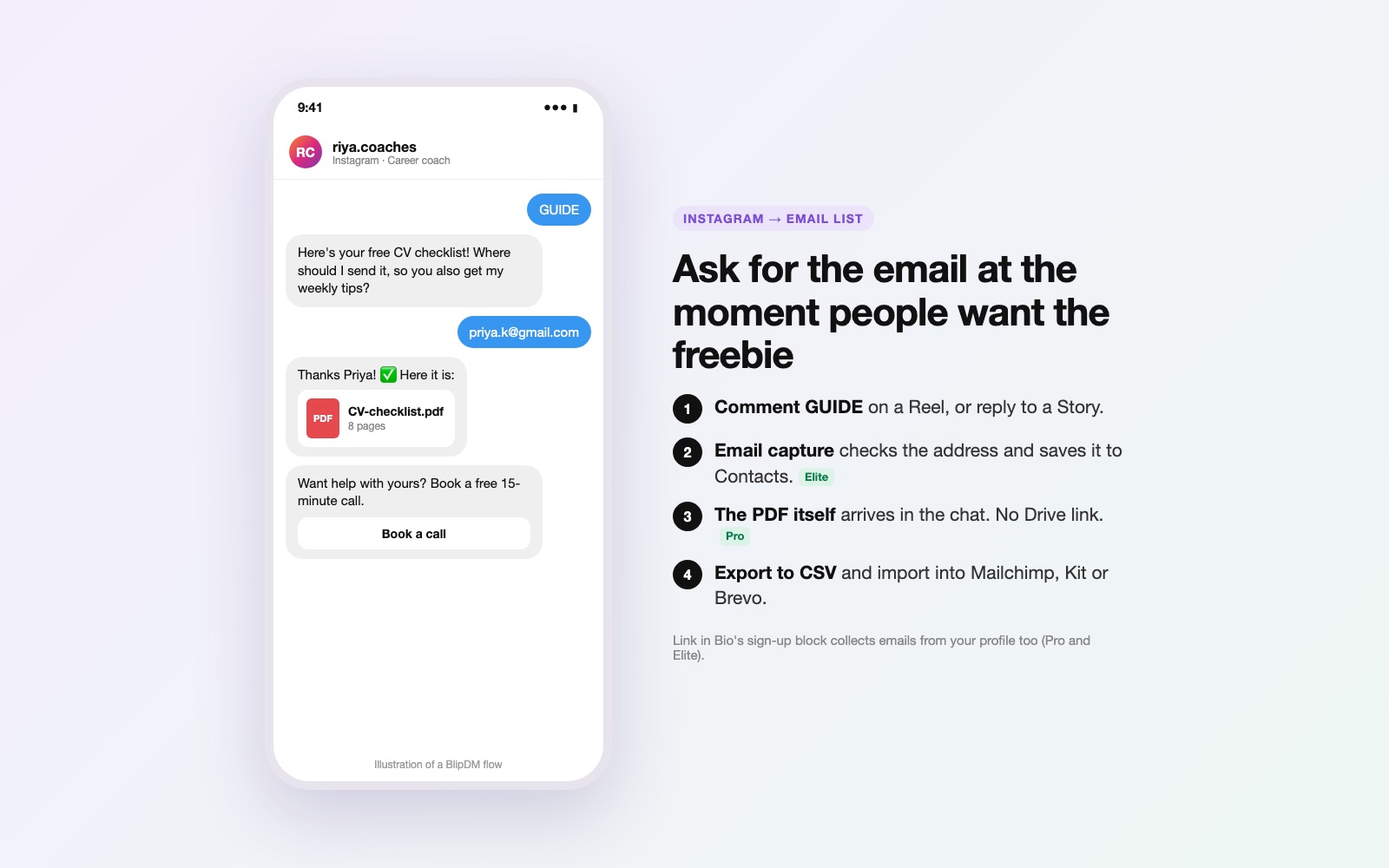
When someone is ready to buy on COD or wants a restock alert, ask for their number. Ask for Email & Phone (Elite) asks in the DM, checks the number or email is valid and saves it to Contacts before sending the link. You can export Contacts as a CSV for your order sheet, WhatsApp follow-up or courier booking.
6. Use Stories for drops and restocks
Post a Story of a restock with "Reply PRICE". A Story reply automation sends the price and link to everyone who replies. Story mentions can get an automatic thank-you too.
7. Put the whole catalogue on a Link in Bio page
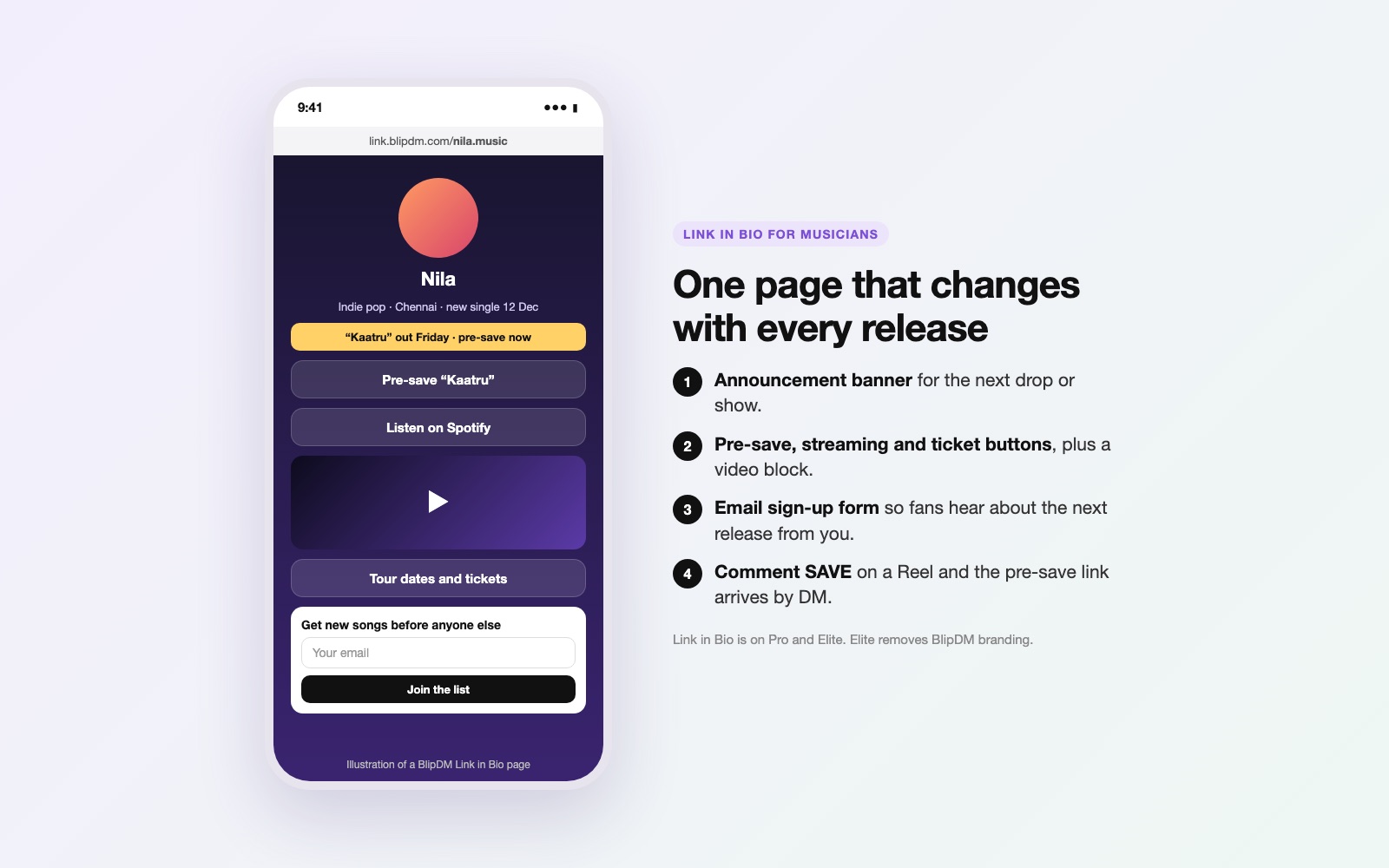
For buyers who want to browse, a BlipDM Link in Bio page (Pro and Elite) works as a simple shop front: an announcement banner for the sale, buttons to each collection, a discount code block, FAQs on shipping and COD, testimonials, and an email sign-up form for new arrivals. Its analytics show which collection buttons get the most clicks.
Price in DM vs price in the caption
| Price in caption | "DM for price", replied by hand | Automatic price DM | |
|---|---|---|---|
| Buyer waits | No | Hours to a day | Seconds |
| Buyer can ask follow-ups | In comments | In DM | In DM, answered by AI on Elite |
| You can change prices | Edit every post | Yes | Change the automation once |
| You get their contact | No | Sometimes | Phone or email capture on Elite |
| Works at 2 a.m. | Yes | No | Yes |
If your prices are stable, putting them in the caption and also offering "Comment LINK for the buy link" is the simplest setup. If prices change or each piece is different, an automatic price DM gives you the conversation without the wait.
What Instagram allows
Automated price replies are allowed on Meta's official API when they answer something the person did first: a comment, a Story reply or a message. A tool can send one private reply per comment, within 7 days of the comment, and can keep messaging for 24 hours after the person's last message. It can't message followers who never contacted you. BlipDM works only inside these rules. More on what's allowed.
Frequently asked questions
What does "DM for price" mean on Instagram?
It means the seller doesn't show the price in the post and asks you to send a direct message to get it. Sellers use it when prices change often, when each piece is different, or to start a conversation.
Is "DM for price" bad for sales?
The DM isn't the problem. Slow replies are. Buyers who wait hours for a price often buy elsewhere. If the price arrives automatically within seconds, with a buy link, "price in DM" can work as well as a price in the caption.
How do I auto reply with the price on Instagram?
Use a comment-to-DM tool on Meta's official API. Set a keyword such as PRICE on the post, write the DM with the price and a buy button, and add an inbox auto-reply for people who message "price" directly. In BlipDM this works on the Free plan.
Can I send multiple product prices in one Instagram DM?
Yes, with a carousel DM. BlipDM's Pro and Elite plans send up to five swipeable cards in one message, each with an image, a name, a price and its own button.
Can AI reply to price questions on Instagram?
Yes. BlipDM's AI replies (Elite) answer questions like price, sizes, COD and delivery from the FAQs and product overview you write. Keep prices exact in that material, and the AI leaves anything it can't answer for you.
How do I get a buyer's phone number from Instagram?
Ask for it in the DM before sending the order link. BlipDM's Ask for Email & Phone (Elite) checks that the number is valid and saves it to Contacts, which you can export as a CSV.
Sources
- BlipDM pricing, llms.txt and e-commerce brands pages, checked 26 November 2026 (keyword matching, 400-character DMs with up to three buttons, carousels of up to five cards).
- Meta for Developers, Instagram private replies and messaging documentation, as summarised in Instagram auto DM without getting banned.