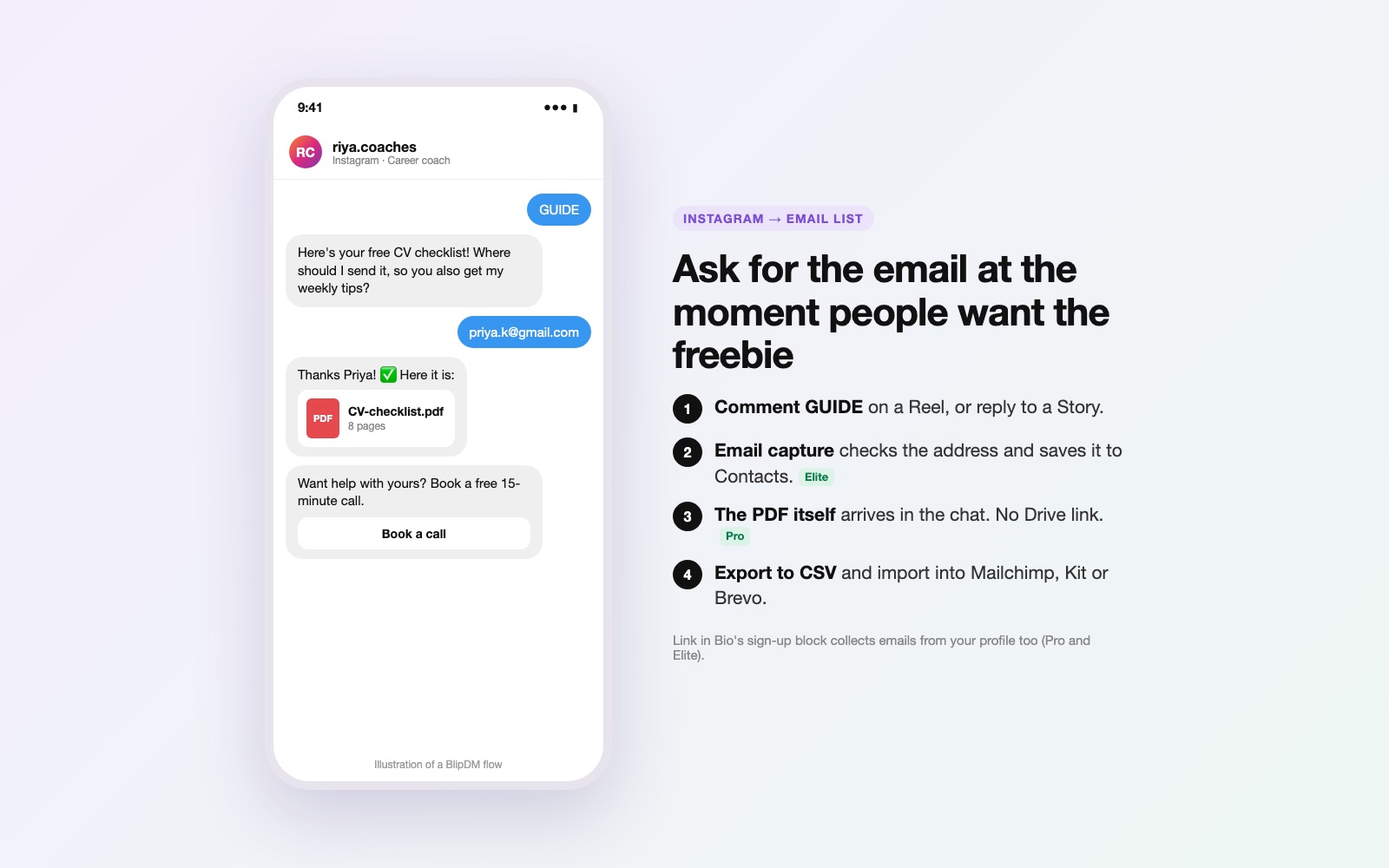
To build an email list from Instagram, offer something useful for free, such as a checklist, a recipe pack or early access, and ask for the email address at the moment people ask for it. The two places that work best are the DM (someone comments a keyword, the DM asks for their email, then sends the freebie) and a sign-up form on your link in bio page.
Instagram doesn't give you your followers' emails, and it decides who sees each post. An email list is the audience you keep if reach drops or your account has a problem. This article covers four ways to grow one from Instagram, what to offer, and how to get the addresses into Mailchimp, Kit, Brevo or any other email tool.
Key takeaways
- Ask at the moment of interest. The best time to ask for an email is right after someone comments "GUIDE" on your Reel, not in a bio link they may never open.
- Trade something specific. A one-page checklist, a 7-day plan or a discount code beats "join my newsletter".
- Use two capture points. Email capture in the DM for people reacting to posts, and a sign-up form on your link in bio for people visiting your profile.
- Check the address before you send. BlipDM checks that the email is valid before the freebie goes out, so typos don't fill your list.
- Move contacts to your email tool every week. Export Contacts as a CSV and import it, then send a welcome email while they still remember you.
Why build an email list if you have Instagram followers?
Followers are rented. Instagram shows each post to a share of your followers, changes how it ranks content, and can restrict accounts. An email address is yours: you can reach that person directly, whenever you send something, without an algorithm in between.
For creators and coaches, the list is also where launches happen. Everyone on it asked for something you made, and every one of them gets the launch email, not just the share of followers Instagram shows a post to.
What to offer in exchange for an email
The offer is what people want. The email is what it costs them. Make the offer specific, quick to use and connected to what you sell:
| You are a | Offer | Keyword |
|---|---|---|
| Fitness or nutrition coach | 7-day meal plan PDF | PLAN |
| Business or career coach | CV checklist, pitch script, pricing calculator | GUIDE |
| Food creator | Recipe pack of the five most-asked recipes | RECIPE |
| Artist or musician | Unreleased demo, wallpaper pack, early ticket access | EARLY |
| Online store | 10% code for the first order | CODE |
| Course creator | Free first lesson or a mini course by email | FREE |
One page that solves one problem beats a 40-page ebook. People open short things.
Way 1: Ask for the email in the DM (comment to DM)
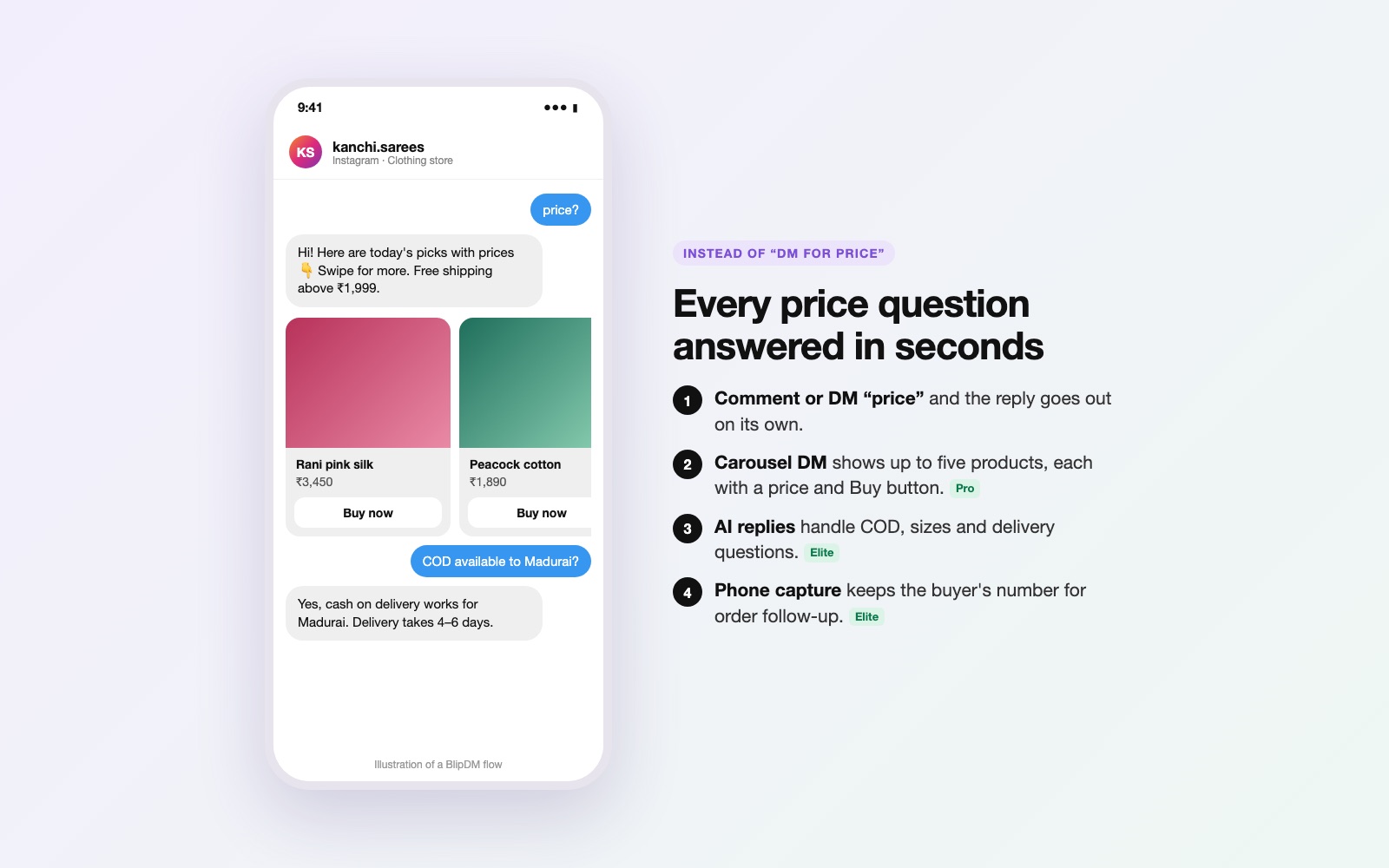
This is the method that collects the most emails from Instagram, because it asks at the exact moment someone wants the freebie.
The flow in BlipDM:
- The post. A Reel with a clear ask: "Comment GUIDE and I'll send you the free CV checklist."
- The keyword. A comment-to-DM automation on that Reel with the keyword GUIDE. BlipDM matches it anywhere in the comment, ignoring capitals and emoji.
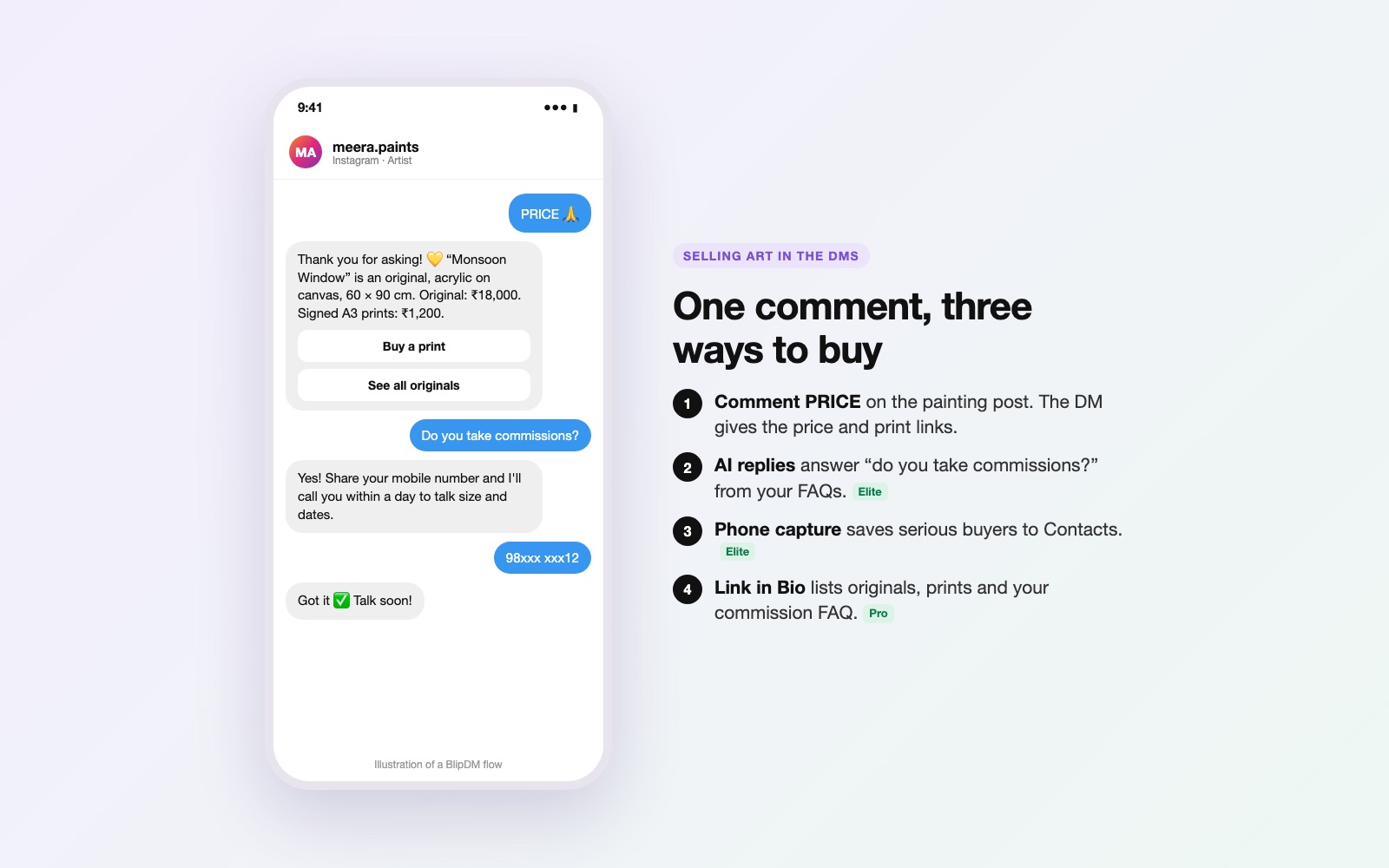
- The email step. With Ask for Email & Phone turned on (Elite), the DM asks for an email address before anything else. BlipDM checks that it's valid and saves it to Contacts.
- The freebie. Once the email is in, the DM sends the file itself (PDF delivery on Pro and Elite) or a link button.
- The next step. A button to book a call, buy the course or visit your shop.
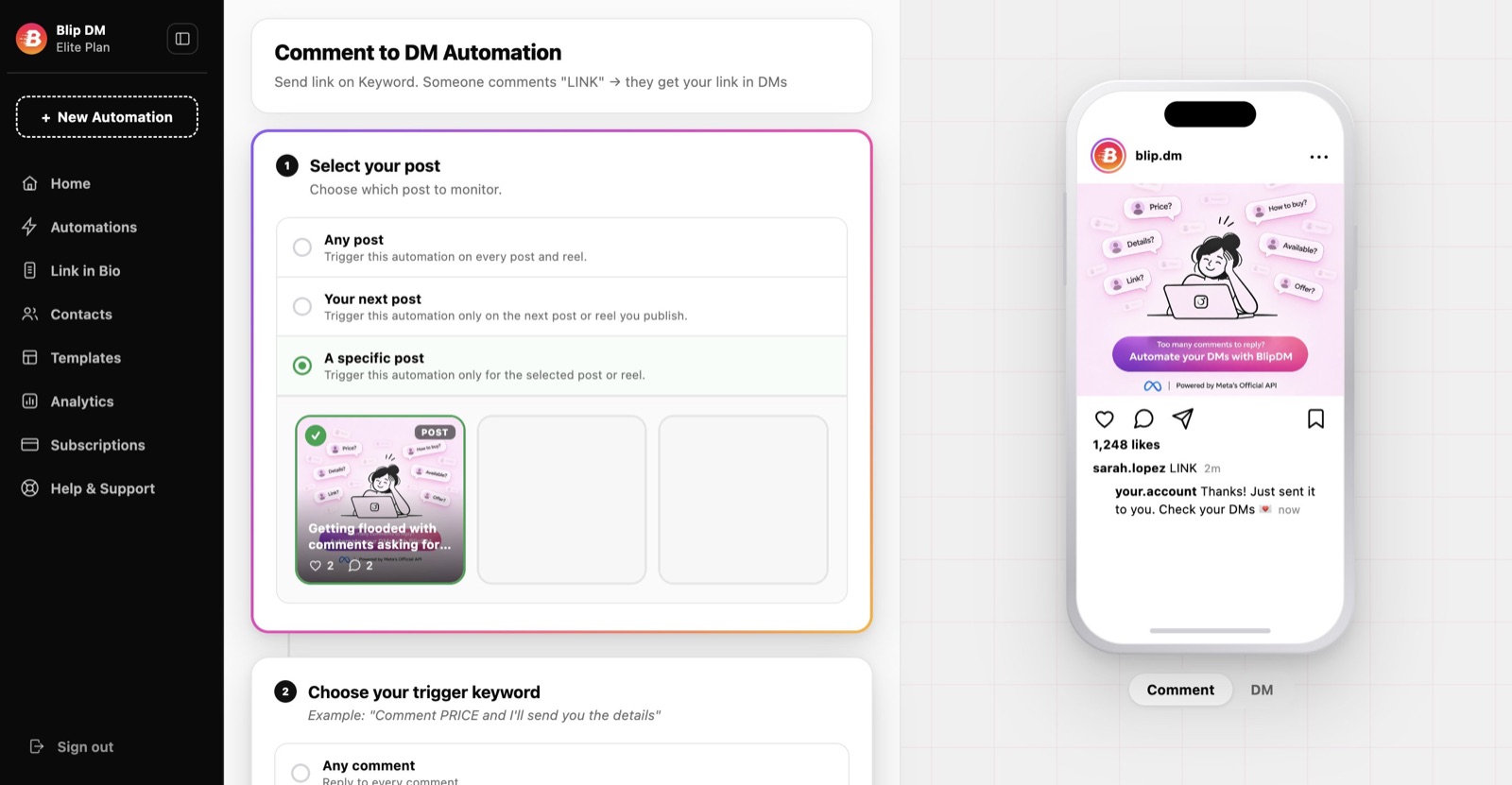
Two things make this work better:
- Say why you're asking. "Where should I send it, so you also get my weekly tips?" is honest and tells people they're joining a list.
- Add a public reply under each comment ("Sent! Check your DMs"), so people who are reading the comments see that it works and comment too.
Everything here follows Meta's rules for automation: you only message people who commented first, with one private reply per comment, and you can keep the conversation going for 24 hours after their last message. More in Instagram lead generation with DM automation.
Way 2: A sign-up form on your link in bio
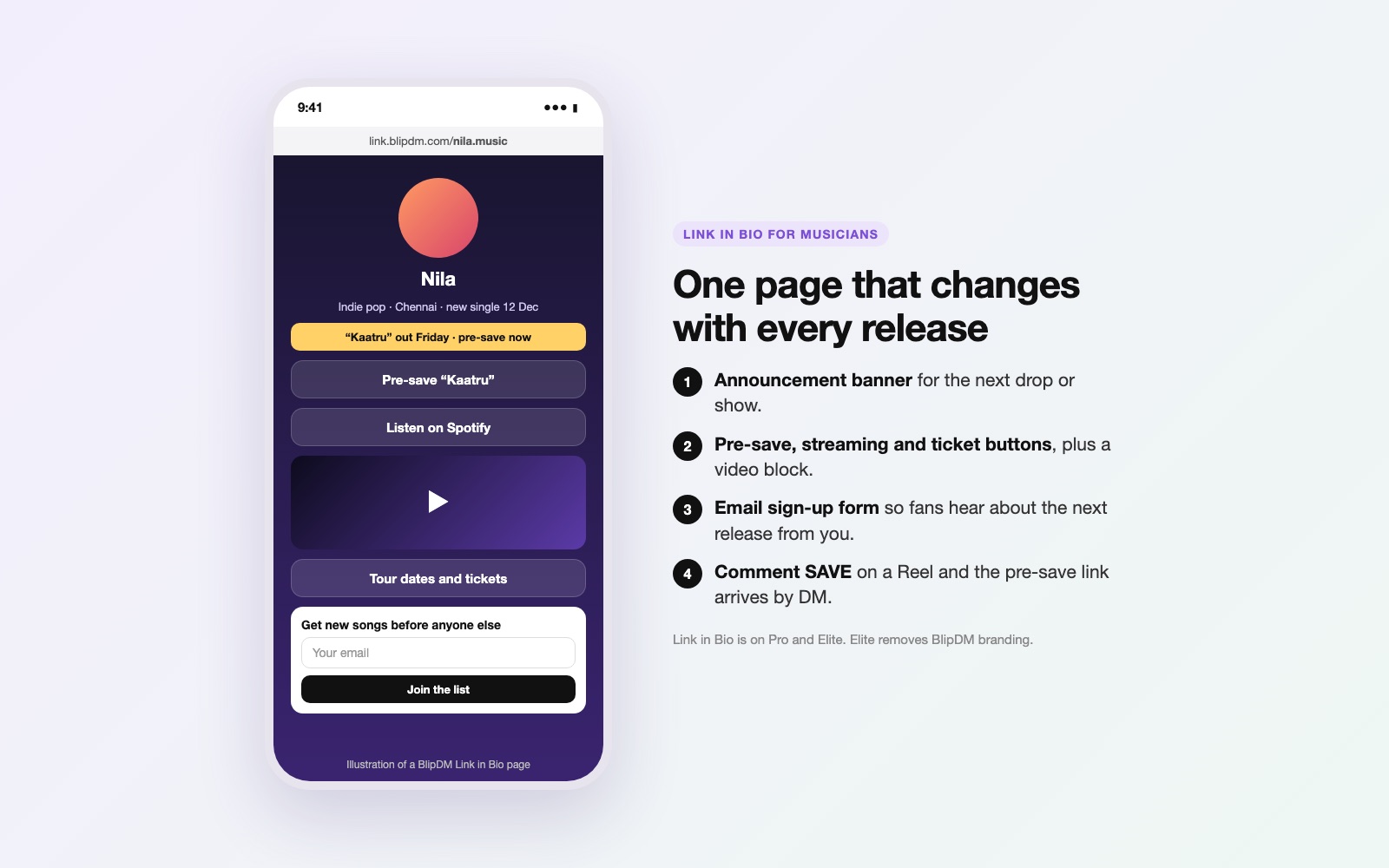
Some people go to your profile instead of commenting. A sign-up form on your link page catches them.
A BlipDM Link in Bio page (Pro and Elite) has an email sign-up form block. Put it near the top, with the same offer you use in the DMs ("Get the free CV checklist"). Sign-ups land in the same Contacts list as your DM leads, and analytics count them as "Leads captured", so you can see which source brings more.
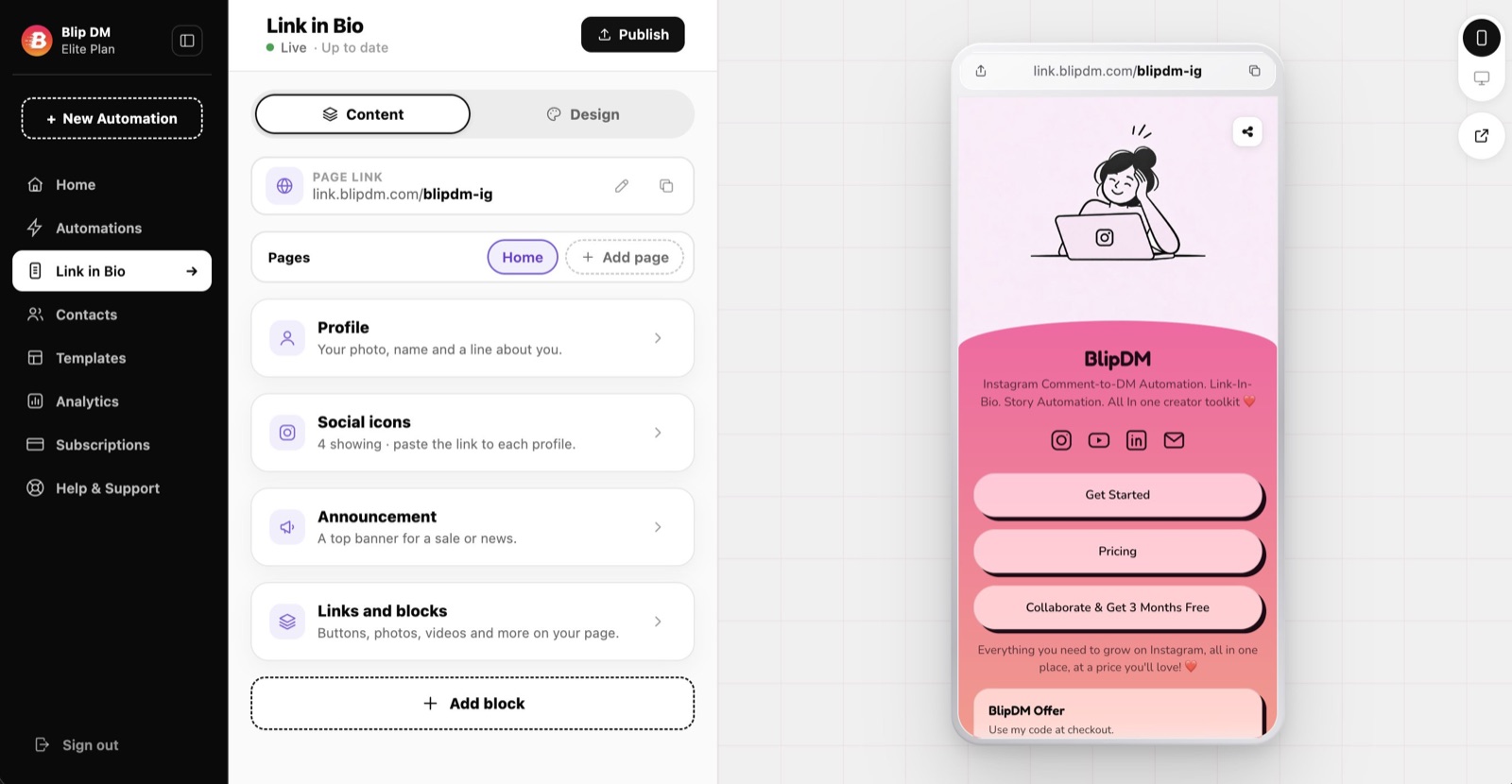
Keep the page short: the sign-up, your main offer or product, and two or three links. A page with fifteen buttons gets fewer sign-ups.
Way 3: Story replies and DMs
- Story replies. Post a Story about the freebie with "Reply GUIDE". A Story reply automation sends the DM with the freebie to everyone who replies.
- Inbox keywords. Say "DM me GUIDE" in a Live, a podcast or a collab post. An inbox auto-reply catches the keyword and runs the same flow.
- AI replies. On Elite, AI replies answer the questions that come after the freebie ("is the course live?", "what does coaching cost?") from your FAQs, so warm leads get an answer the same day.
Way 4: Instagram's own lead form
Instagram has a native lead form that can appear as a button on a business profile and in lead ads. It works without a third-party tool, but people have to find the button on your profile or click an ad, and getting the leads out takes extra steps. Comment-to-DM reaches people in the comments of the post they're reacting to, which is where most interest happens.
Getting the emails into your email tool
Emails in BlipDM Contacts are only useful once they're in the tool that sends your newsletter:
- Export Contacts as a CSV from BlipDM.
- Import the CSV into Mailchimp, Kit (ConvertKit), Brevo, MailerLite or whichever tool you use, tagged by source ("Instagram, CV checklist").
- Send a welcome email within a day or two. Repeat the freebie link, say who you are and what you'll send, and how often.
- Do it every week, or more often during a launch, so new subscribers don't go cold.
How many emails can you expect?
It depends on the reach of the post, the offer and how clear the ask is. Measure your own numbers: comments on the post, DMs sent, emails captured and sign-ups on the link page. BlipDM's analytics show messages sent and leads captured over 7, 14 or 30 days, which is enough to compare two offers. How to measure DM automation.
Frequently asked questions
How do I collect emails from Instagram followers?
Offer a freebie and ask for the email when people request it. Post with "Comment GUIDE for the free checklist", let a DM automation ask for the email and send the file, and add an email sign-up form to your link in bio for profile visitors.
Can you get your followers' emails from Instagram?
No. Instagram doesn't share followers' email addresses. You get them by asking: in a DM, on a sign-up form, or through Instagram's lead form on a business profile or ad.
What's the best lead magnet for Instagram?
A short, specific resource people can use the same day: a checklist, a 7-day plan, a template, a recipe pack or a discount code. It should lead naturally to what you sell.
Can I collect emails in Instagram DMs automatically?
Yes. BlipDM's Ask for Email & Phone (Elite) asks for an email in the DM, checks that it's valid, saves it to Contacts and then sends the link or file. You can export Contacts as a CSV.
How do I add an email sign-up to my Instagram bio?
Use a link in bio page with a sign-up form, and put the page's link in your Instagram bio. BlipDM's Link in Bio (Pro and Elite) has an email sign-up block, and sign-ups go to the same Contacts list as your DM leads.
How do I move Instagram leads into Mailchimp or Kit?
Export your contacts as a CSV and import the file into your email tool, tagged by source. Do it weekly so new subscribers get a welcome email while they still remember you.
Sources
- BlipDM pricing, llms.txt and coaches and experts pages, checked 26 November 2026 (email and phone capture, Link in Bio sign-up block, Contacts CSV export, "Leads captured" analytics, PDF delivery).
- Meta for Developers, Instagram private replies and messaging documentation, as summarised in Instagram auto DM without getting banned.