For years, "link in bio" was the only answer to a simple problem: Instagram does not let you put a tappable link in a caption. So every post ended with the same line, and every interested person had to leave the post, open your profile, find the link and tap it. Comment-to-DM automation offers another route. The person comments a word, and the link arrives in their inbox.
Both work. The honest question is which one to use for what, and the answer is less about "which gets more clicks" than about what each is built to do. This guide compares them on how they work, what the available numbers actually say (and do not say), and how to run a test on your own account.
Key takeaways
Link in bio is a permanent shop window: one place that always has your current links. Comment-to-DM is a conversation started by a specific post: the link, price or code that goes with the post someone just saw.
Nobody has published an independent study that compares the two head to head. The numbers you see online come from tools that sell one or the other, and they measure different things. Treat them as hints, not proof.
Use both. Keep your bio link for your evergreen store or page, and use comment-to-DM for anything tied to a particular post, reel or Story.
How each one works
Link in bio
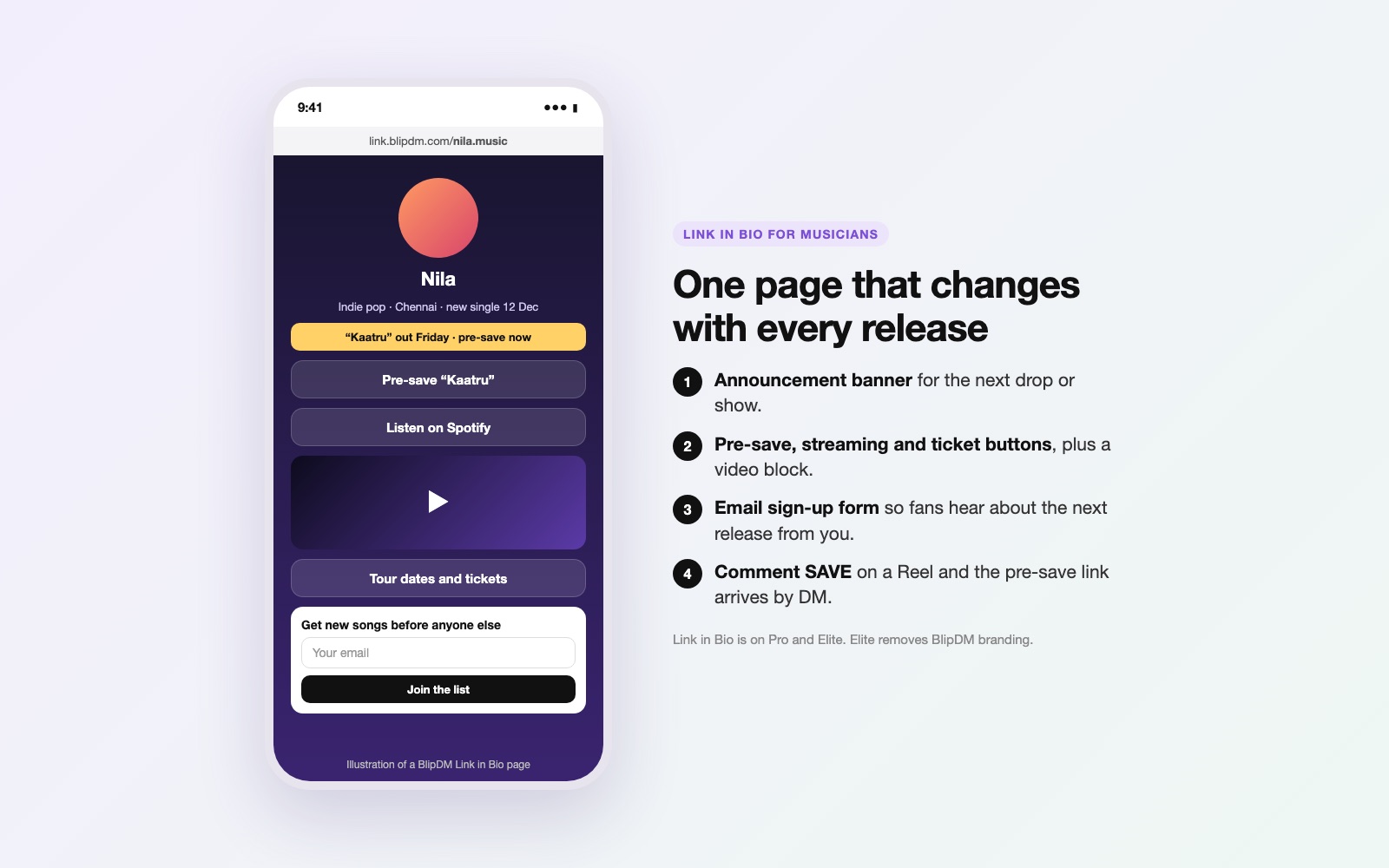
Instagram allows up to five links in your bio, according to Linktree's guide to the feature (Instagram's own Help Centre was not reachable when we checked, so confirm the current limit in your app). When you add more than one, tapping the link on your profile opens a menu of all of them. Many creators use a page of links (Linktree, Beacons and similar) so that one bio link leads to many.
The path for a viewer is: see your post, tap your name, find the link on the profile, tap it, possibly choose from a list, then wait for the page to load. Each step is a place to lose someone who was only half interested.
Links in captions and comments are not tappable on Instagram, which is why "link in bio" became the habit. Stories can carry a link sticker, which anyone can use.
Comment-to-DM
You add a keyword to your post ("Comment GUIDE and I'll DM it to you"). When someone comments it, a tool built on Meta's official API sends them a private reply with the link. Meta allows one private reply per comment within 7 days of the comment, and the message lands in the person's inbox if they follow you, or in their message requests if they do not.
The path for a viewer is: see your post, comment one word, open the DM, tap the link. The link also arrives as a button or a plain message from you, which reads as a reply, not an ad.
Side by side
| Link in bio | Comment-to-DM | |
|---|---|---|
| Who sees the link | Anyone who visits your profile | Only people who comment the keyword |
| Steps for the viewer | Leave the post, open profile, tap, sometimes choose | Comment, open the DM, tap |
| Fits the specific post | Only if you change the link each time | Yes, each post can have its own link |
| Effect on the post | None | Every comment adds engagement to the post |
| Link per post | You must update the bio link by hand | Set once per post |
| Collects an email or follows | Only through the landing page | Can ask for an email or a follow inside the chat |
| Always on | Yes, permanent | Only for posts that carry a keyword |
| Cost | Free, or a page tool | Free to start, from $3 a month on BlipDM |
| Rules to follow | Five links per bio | One private reply per comment, 24-hour window |
What the published numbers actually say
Two sets of figures get quoted most often. It is worth knowing what they measure.
Link in bio. Linktree, the biggest link-in-bio tool, reports that visitors who arrive from Instagram click through "roughly 80 to 95% of the time" (Linktree, May 2026, based on its own data from May 2025 to April 2026). That sounds like four in five people who see your profile tap your link. It is not. The figure is outbound clicks divided by views of the Linktree page, so it only counts people who had already reached the page. It says nothing about the much larger group who looked at your post and never opened your profile.
Comment-to-DM. ManyChat's blog says automated DMs convert at 12% to 20% (published October 2026), citing an article on a third-party site. It does not define "conversion," and the page notes that the benchmarks it lists across channels each measure something different. A second study, by HypeAuditor with ManyChat, found that creators using DM automation grew faster and got more comments per post, but it describes this as a correlation, not proof that automation caused it.
Both of these are vendor numbers. Neither is a controlled comparison, and neither can tell you how your audience will behave. The useful reading is simply this: a DM that arrives after someone asked for it is a direct, low-friction step, and a bio link is a longer path that depends on people being motivated enough to take it.
When to use link in bio
Link in bio is the right home for things that do not change often:
- Your shop, website or booking page
- A page that lists your current offers
- Your newsletter or community
- Anything you want people to find when they land on your profile cold
It also catches the people who arrive without seeing a post, such as search results, tags and shares. Keep it clean and current.
When to use comment-to-DM
Comment-to-DM is the right tool for anything that belongs to a single post or moment:
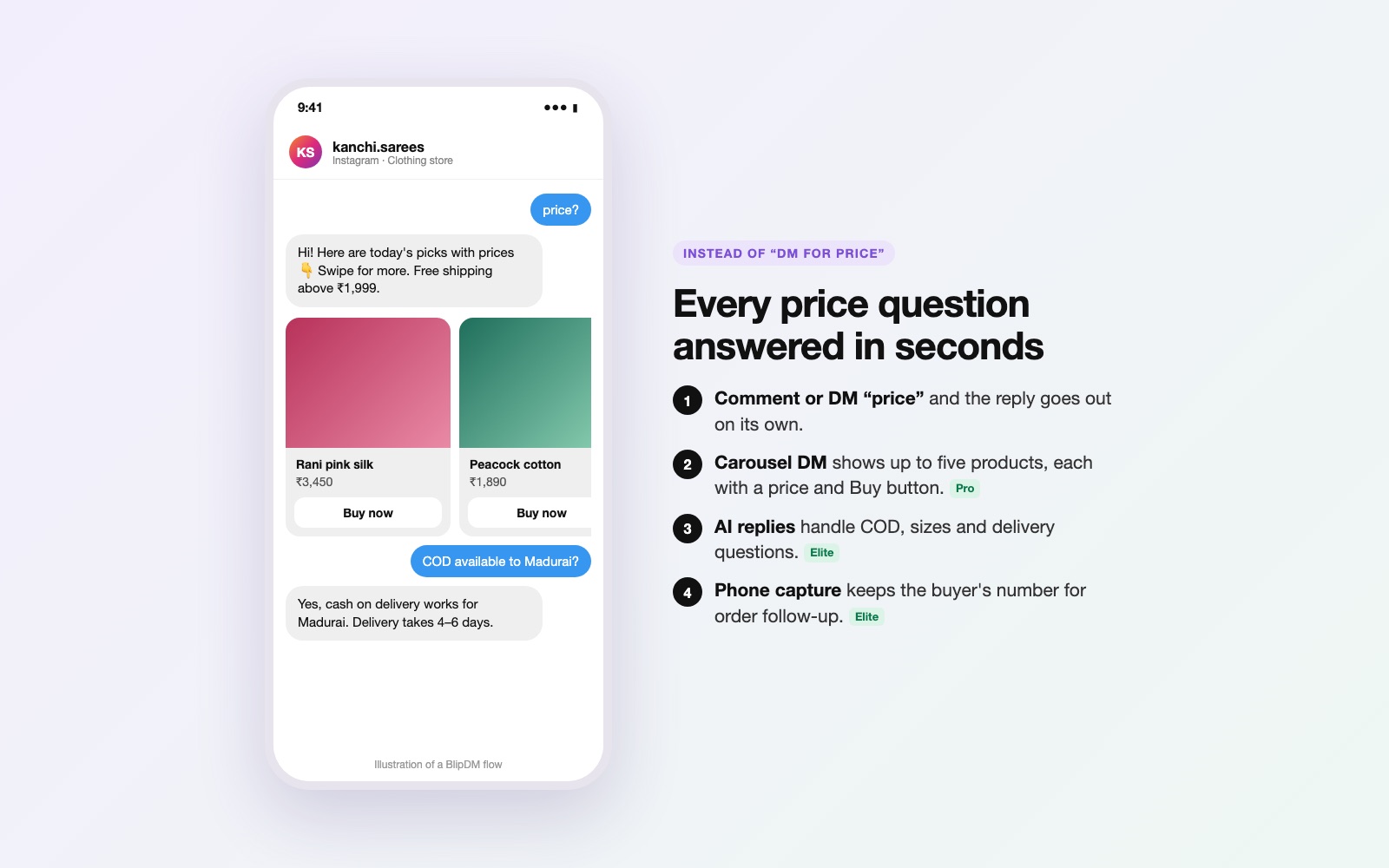
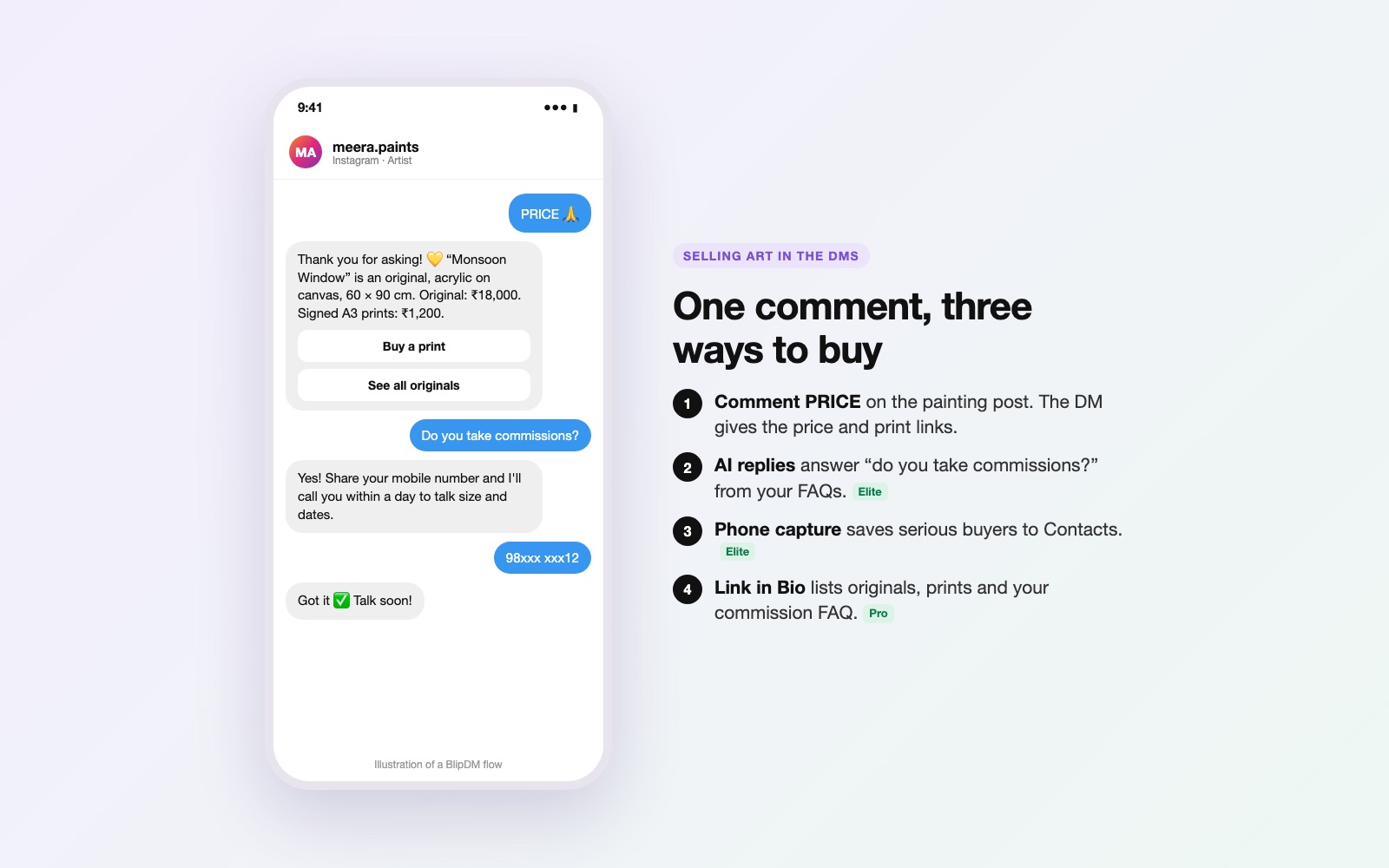
- A link or price someone asked for under a post
- A discount code for a sale
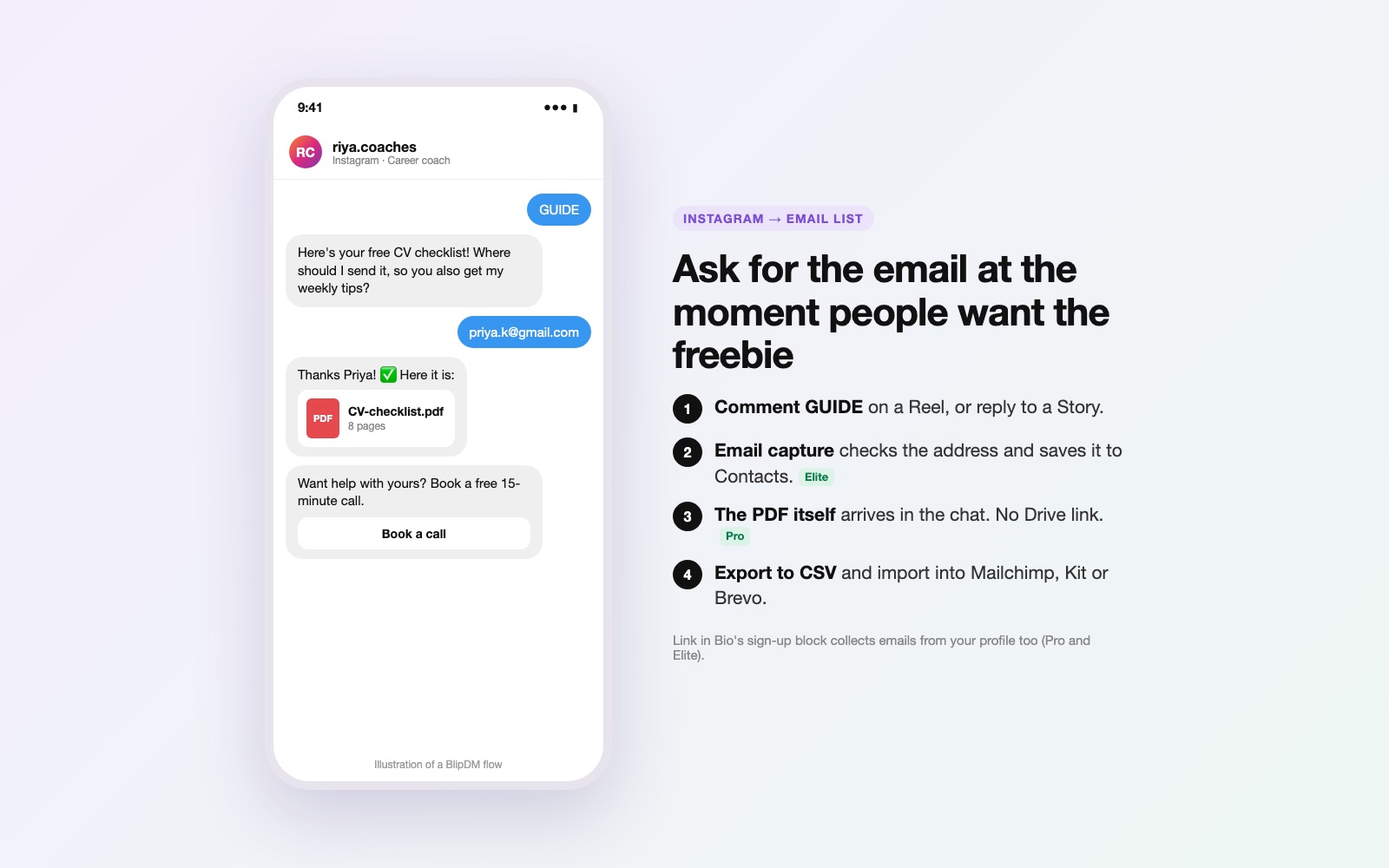
- A lead magnet such as a guide, template or checklist
- A product carousel for a launch
- Anything where you want an email address or a follow before delivering
It is also stronger when you are short on attention. A person who comments has told you they are interested, and the reply feels personal. Read how to send links in Instagram DMs for the details and Instagram lead generation with DM automation for five funnels that use it.
Using both together
The best setup is not a choice between them:
- Bio link: your evergreen hub, such as your shop or a link page.
- Post keyword: each post offers one specific thing through a keyword, such as "Comment PLAN for this week's plan."
- DM reply: the DM delivers the item and, if useful, adds a button to your hub, so the person can keep browsing.
- Caption line: "Comment PLAN for the link. More in my bio." Mention both so nobody is left without a route.
For a sale, point the bio link at your sale page and run a comment keyword on every sale post. During busy weeks, see Instagram holiday sales ideas.
How to test it on your own account
You do not need a benchmark. You can measure your own audience in two weeks.
- Pick two posts of the same kind, such as two reels about similar products, posted at similar times.
- On the first, send people to your bio link ("Link in bio").
- On the second, use a keyword ("Comment LINK").
- Use the same destination for both, with different tracking codes on the URL, such as
?utm_source=instagram&utm_medium=bioand?utm_source=instagram&utm_medium=dm. - After seven days, compare the visits and the actions you care about (sales, sign-ups, emails) in your analytics tool.
Repeat with two more posts to check the result was not a fluke. Posts differ a lot, so one pair proves little and four pairs begin to tell you something.
If you try this with BlipDM, set up a keyword automation on the Free plan, which includes 500 DMs a month.
Frequently asked questions
Is link in bio or comment-to-DM better?
Neither wins everywhere. Link in bio is best for permanent links, and comment-to-DM is best for a link tied to a specific post. Most accounts do best using both.
Can I put a clickable link in an Instagram caption?
No. Instagram does not make links in captions or comments tappable. That is why people use "link in bio," Story link stickers, or a comment-to-DM automation that sends the link in a message.
How many links can I have in my Instagram bio?
Instagram currently allows up to five, according to Linktree's guide. Check the "Links" option under Edit profile in your app for the current limit.
Do comment-to-DM automations get more clicks than link in bio?
There is no independent study that proves it either way. The published figures come from vendors and measure different things. The reliable approach is to test two similar posts on your own account.
Does comment-to-DM hurt my reach?
On the contrary, each keyword comment is engagement on your post, which tends to help its reach. The risk is spammy behaviour, not the feature itself, so message only people who asked and use Meta's official API. See how to use Instagram auto DM without getting banned.
Do I need to follow someone to receive the DM?
No. If the person follows you, the DM lands in their inbox. If not, it lands in message requests and they can accept it. Using follow to unlock, you can ask them to follow before the link is sent.
Do I need a paid plan?
No. BlipDM's Free plan includes comment-to-DM with 500 DMs a month. Pro is $3 a month (₹99) for 50,000 DMs, and Elite is $6 (₹499) for unlimited DMs with follow to unlock and email capture.
Sources
- Linktree, "How to add multiple links to your Instagram bio" and "Not all clicks are equal: a year of Linktree traffic by source" (May 2026).
- ManyChat, "Conversion rates by marketing channel" (October 2026), and HypeAuditor's study with ManyChat.
- Meta for Developers, Instagram private replies documentation.