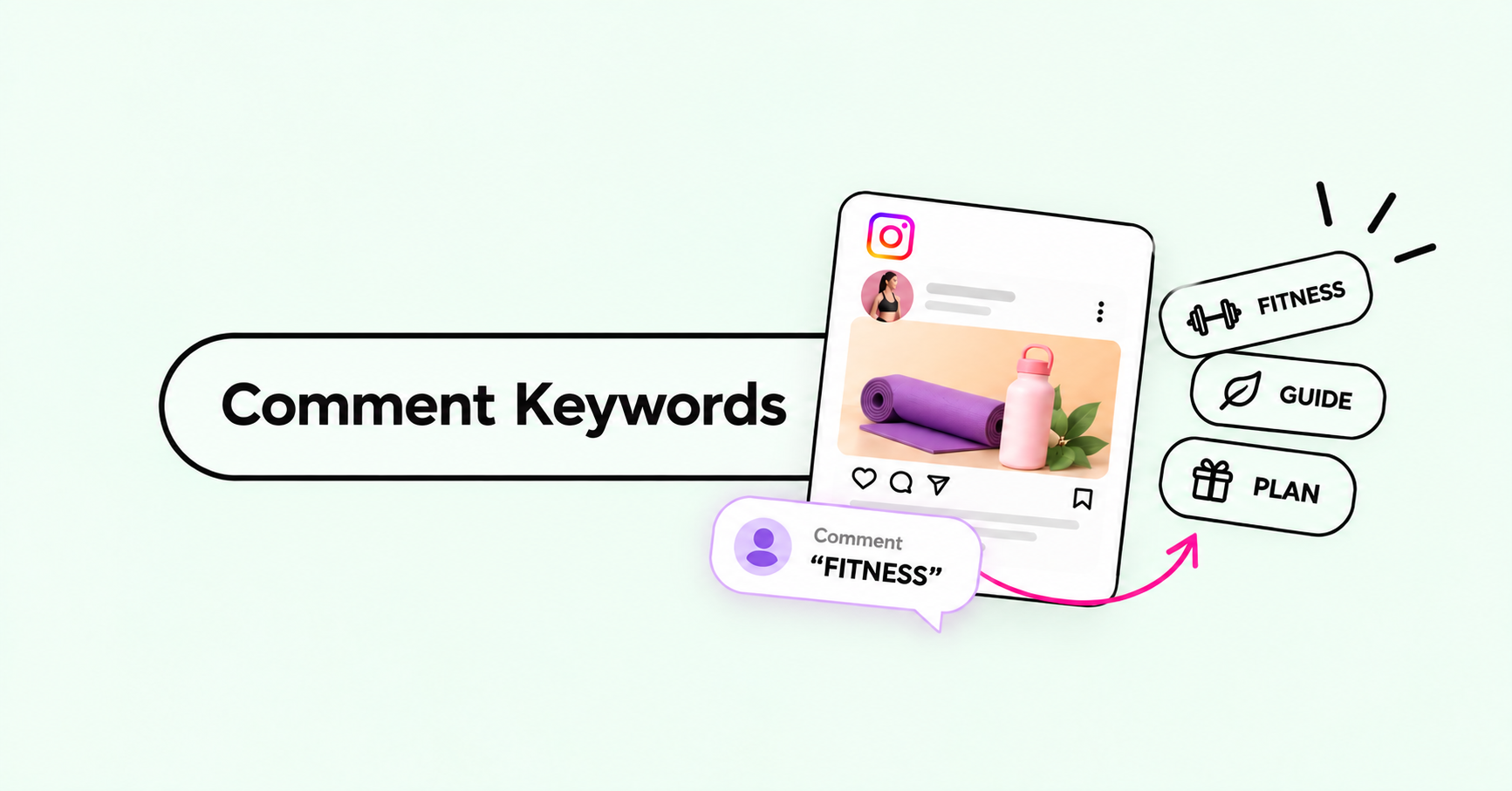
An Instagram comment picker chooses a random winner from the comments on a post. Use the free picker below: paste your comments, set your rules, and it draws a winner and backups in seconds. Everything runs in your browser. Nothing is uploaded, and you don't log in with Instagram.
Key takeaways
A fair draw has four steps: close entries on time, collect every comment, remove the entries that break your rules, then pick at random and record it.
Most "free" comment pickers make you log in with Instagram and cap the free plan (for example, 50 comments per export). The picker above takes the comments you paste and never touches your account.
The best list to draw from is one you already have. If your giveaway used comment-to-DM automation, every entrant is already saved as a contact you can export, along with when they entered.
How to use the picker
- Get the comments. Copy them from the post (see how to export Instagram comments below), or paste a CSV with a
usernamecolumn. - Paste them in. One comment per line, username first, works best:
priya.bakes WIN @riya_k. The picker also understands the messy text you get when you copy comments from instagram.com, and skips lines like "2d", "3 likes" and "Reply". - Set your rules.
- Must include word: only count comments that contain your keyword, such as WIN.
- Min. @mentions: if your rules asked people to tag friends, require that many tags.
- Exclude accounts: your own account, your team and any brand partners.
- One entry per person: on by default. Turn it off only if your rules said every comment is a separate entry.
- Pick. The picker shuffles every valid entry with your browser's secure random generator and shows the winners plus backups. Copy the result to keep a record.
What competitors' pickers do (and what to watch out for)
We checked the comment pickers that rank on Google for this search in November 2026. They fall into three groups.
Log-in pickers, such as Comment Picker (commentpicker.com), ask you to log in with Instagram and then choose a post. They're convenient, but the free plans are tight: Comment Picker's free export stops at 50 comments, with one export a day and three a month.
Browser extensions, such as IG Comment Export Tool, InsC and Comments Exporter for Instagram, read the post that's open in your browser. Their limits are self-reported, and an extension that can read your Instagram session can see a lot more than comments, so install them with care.
Paste-in pickers, such as Random Picker (randompicker.com) and the picker on this page, work from a list you paste. Nothing touches your account, but the draw is only as complete as what you paste, so always check the entry count against the comment count on the post.
Our take: for a small giveaway (a few hundred comments), paste-in is the safest. For a large one, collect entries as they come in with an automation, so you never need to scrape the post at all.
How to export Instagram comments
Instagram has no "export comments" button. Here are the four ways people do it, from simplest to most complete.
1. Copy from instagram.com (free, up to a few hundred comments)
- Open the post on a computer at instagram.com.
- Keep clicking the + (load more comments) icon until every comment is showing, including replies if they count.
- Select the comments, copy them, and paste them into the picker above. It skips the noise lines.
- Compare the number of entries the picker found with the comment count on the post. If it's far lower, some comments didn't load.
2. Use your automation's contact list (free with BlipDM, any size)
If the giveaway post had a comment-to-DM automation, everyone who commented the keyword got a DM and was saved in Contacts. Click Export as CSV, keep only the rows whose Post / Story ID is your giveaway post, and paste the file into the picker. Leave "Must include word" empty, because the export lists people rather than comment text, and the automation only fired for people who used your keyword anyway. You get every entrant with no scraping. It also works for posts with thousands of comments, where copying by hand breaks down.
3. A comment exporter tool
Tools like Comment Picker's exporter or a Chrome extension save the comments as CSV or Excel, usually with username, comment text and date. Check the free limit first, since most cap it.
4. Your Instagram data download
Accounts Centre → Your information and permissions → Download your information includes the comments you wrote, not the comments on your posts. It won't help with a giveaway.
The fair-draw checklist
- State the rules before you start. The prize, how to enter, the closing date and time with a time zone, and who can enter. See how to run an Instagram giveaway for Instagram's required disclaimer.
- Close entries on time and screenshot the post with its comment count.
- Collect every comment, including replies if your rules count them.
- Remove invalid entries: duplicates, your own team, accounts outside the eligible country, and obvious bots (no profile photo, no posts, created this week).
- Pick at random with the picker and record it.
- Check the winner still meets the rules, such as following you or being 18 or older if you asked for that.
- Contact them by DM from your main account and give a deadline: "Reply within 48 hours or we'll draw again."
- If they don't reply, move to backup 1. That's why the picker draws backups at the same time, in front of the same recording.
- Announce the winner in your Stories or a pinned comment.
Spotting fake and bot entries
Prize hunters and bots pile into giveaways. Before you draw, skim the list for:
- Usernames with long number strings, like
user83749201, especially several in a row. - The same comment pasted word for word by many accounts within seconds.
- Brand-new accounts with no profile picture and no posts.
- Tags of accounts that don't exist or are themselves bots.
Remove them before the draw, not after. Changing the pool after you see the winner looks like rigging, even when it isn't.
Turn your entrants into customers
A giveaway with 800 comments has one winner and 799 people who said "I want this". Most giveaways ignore them.
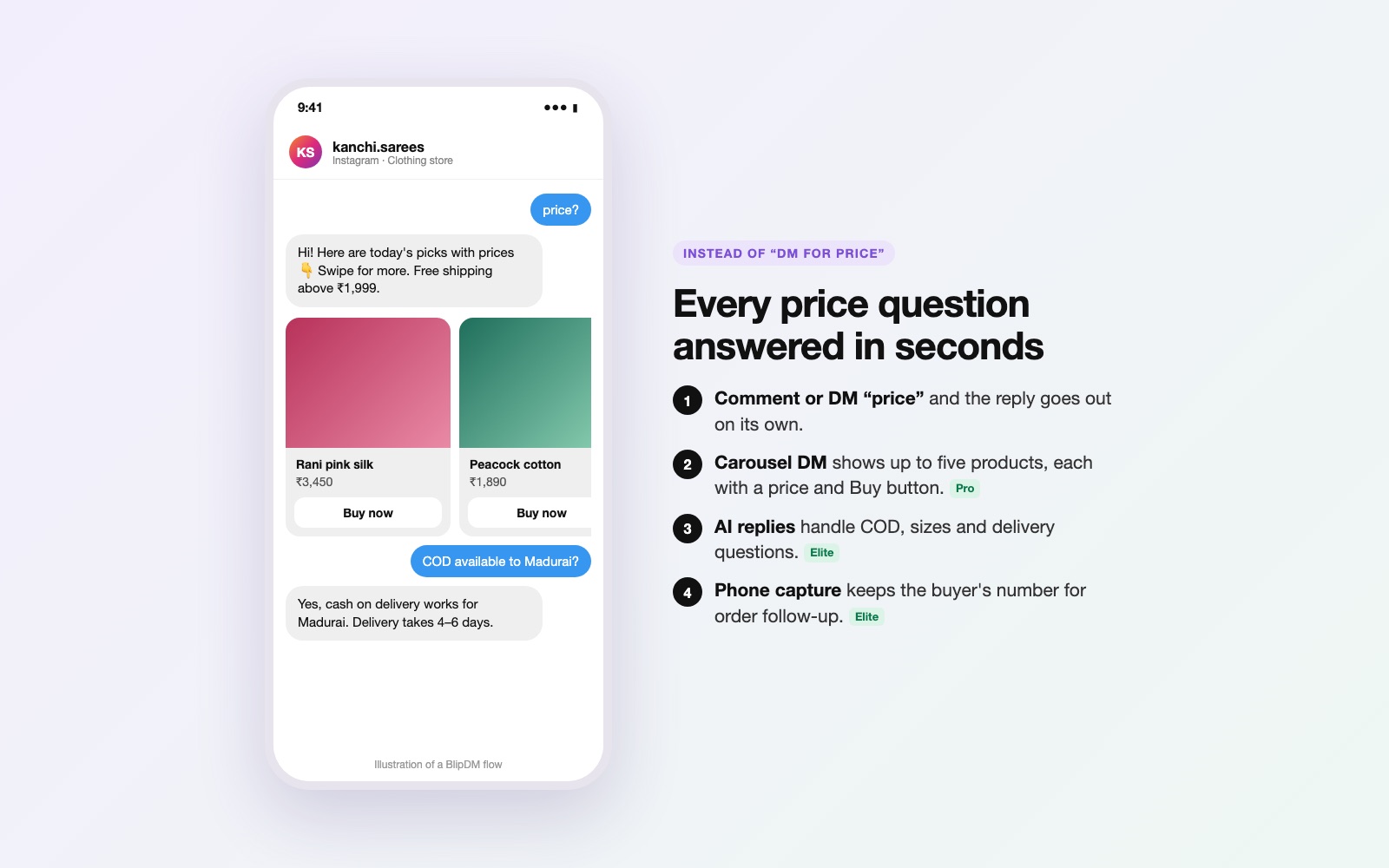
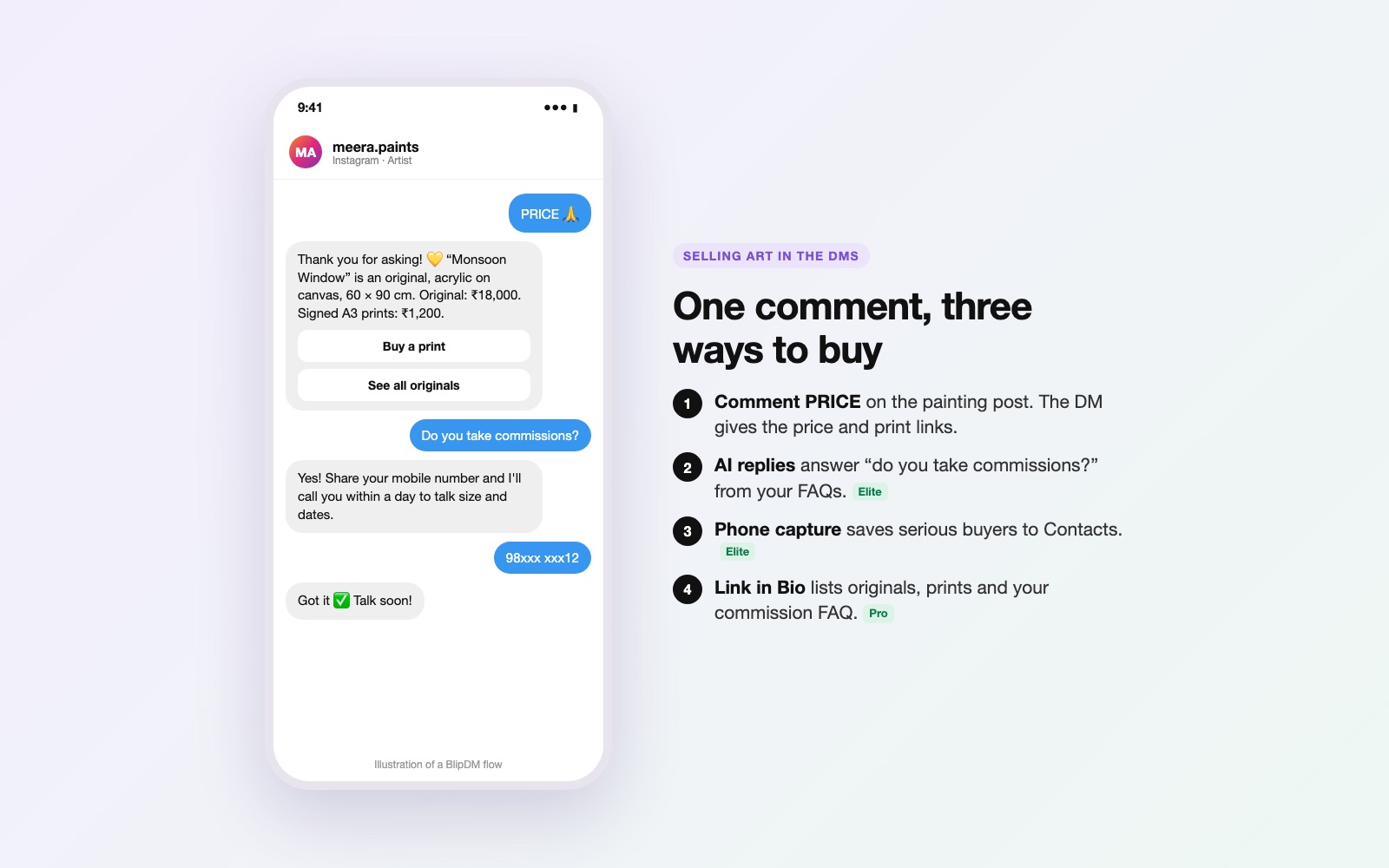
With comment-to-DM automation, every person who comments your keyword gets a DM in seconds:
- "You're in!" It confirms their entry, so they stop asking in the comments.
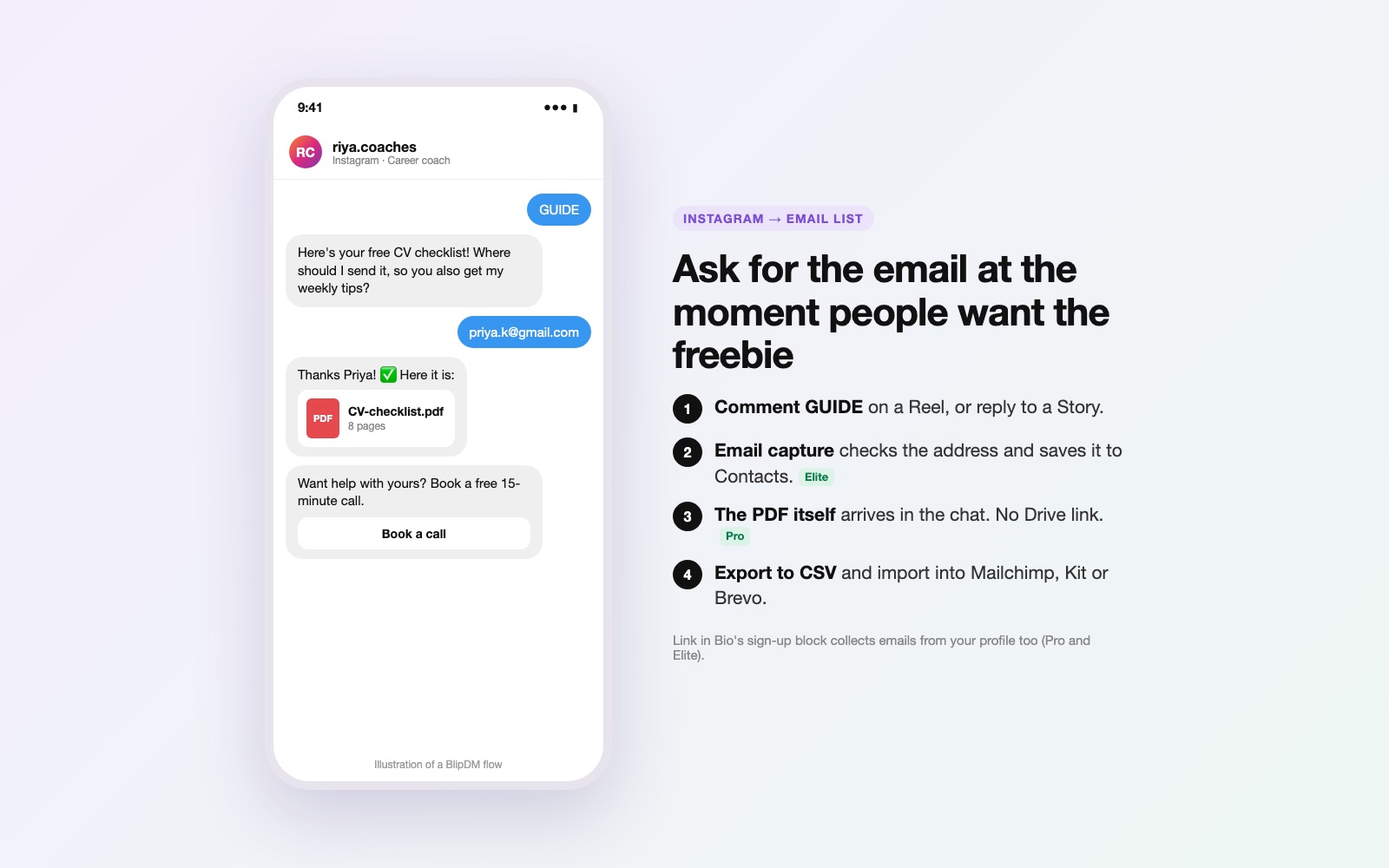
- Something for everyone: a discount code, a free guide, or a link to your gift guide.
- A question: "What would you buy if you won?" Their reply opens a 24-hour window to keep chatting.
DM template: "You're entered 🎉 Winner announced Monday 23 Nov in our Stories. While you wait, here's 10% off anything: WIN10 [Shop now]"
On BlipDM, Free covers 500 DMs a month, Pro 50,000 for $3 (₹99) and Elite is unlimited for $6 (₹499). Meta allows 750 private replies to comments per hour for each account. BlipDM sends up to 700 an hour and queues the rest, so even a viral giveaway reaches everyone. Read how to set up your first comment-to-DM automation to get started.
Frequently asked questions
Is this Instagram comment picker free?
Yes. It's free with no sign-up and no limit on comments. It runs in your browser, so the comments you paste never leave your device.
Do I need to log in with Instagram?
No. You paste the comments yourself. That means it can't read your account, but it also means the draw is only as complete as the list you paste, so check the entry count against the post.
How does the picker choose a winner?
It removes entries that break your rules, then shuffles the rest with your browser's cryptographically secure random number generator (crypto.getRandomValues) and takes the first entries as winners and backups. Every valid entry has the same chance.
Can I pick more than one winner?
Yes. Set the number of winners (up to 50) and backups (up to 20). With "one entry per person" on, nobody can win twice.
How do I export comments from Instagram?
Instagram has no export button. Copy the comments from the post on instagram.com, use a comment exporter tool, or export the contacts your comment automation collected. Your Instagram data download only includes comments you wrote, not comments on your posts.
Should each comment count as an entry, or each person?
Each person is fairer and is what most people expect. Count every comment only if your rules said so up front, for example "each comment with a different friend tagged is an extra entry".
How do I prove the giveaway was fair?
Post your rules before you start, screenshot the comment count when entries close, screen-record the draw, and announce the winner publicly. Draw backups in the same recording, so replacing a winner who doesn't reply is also transparent.
The comment picker needs JavaScript. Turn it on to use the tool, or follow the manual method further down this page.