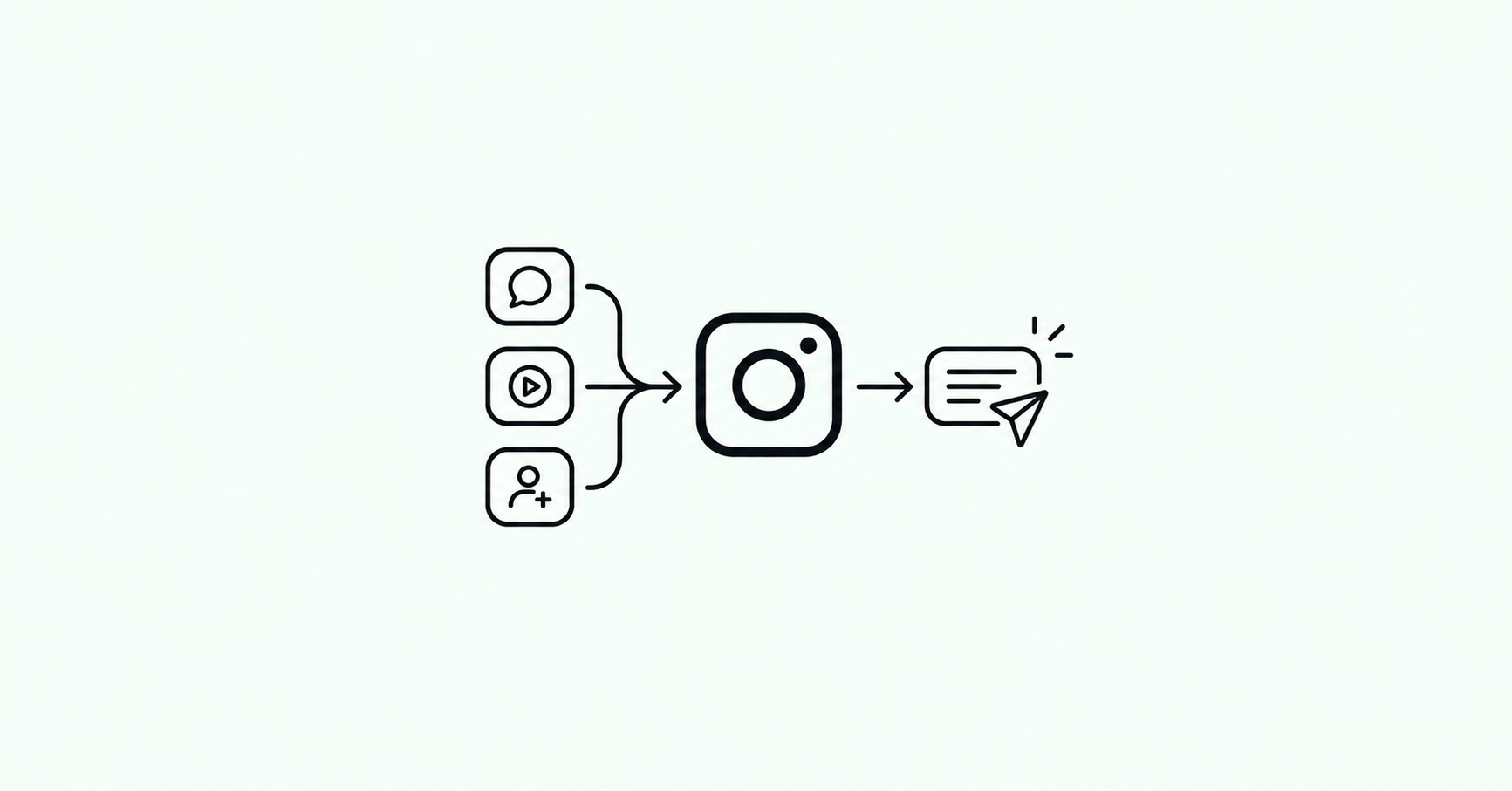
Every comment that says "link?", "price?" or "how do I get this?" is a person ready to act. Instagram DM automation answers them the moment they ask, from your own account, with the link, the code or the details they wanted. In 2026 it has become the standard way creators and small businesses turn Instagram engagement into clicks, leads and sales.
This guide, reviewed by Muthu, covers the whole picture as of October 2026: what DM automation is, how it works on Instagram's official API, the rules Meta sets, every type of automation you can run today, and how to set up your first one in a few minutes with BlipDM.
Key takeaways
- DM automation sends a direct message when someone engages with you: a keyword comment on a post or reel, a reply to your Story, a mention, or a message to your inbox.
- It runs on Instagram's official API, so the person gets a real DM from your account and your password is never shared.
- The person always starts the conversation. Instagram does not allow cold DMs, so every automation begins with a comment, a story reply, a mention or a message.
- The core automations in 2026 are comment to DM, story replies, story mentions, inbox keyword replies, welcome and follow-up messages, follow to unlock, email and phone capture, and rich DMs with buttons, images and carousels.
- How a tool charges you matters as much as its price. Some count DMs, some count contacts. BlipDM counts DMs only, with unlimited automations and contacts on every plan, from $3 a month (₹99 in India).
What is Instagram DM automation?
Instagram DM automation is software that watches your account for a trigger and sends a direct message in response. You decide the trigger (for example, anyone who comments "GUIDE" on a reel) and the message (for example, a short note with a button that opens your guide). From then on it runs by itself, around the clock.
It replaces the most repetitive part of running an Instagram account: answering the same few questions under every post. It also moves the conversation somewhere more useful. A DM is private, it sits in the person's inbox, and they can reply to it, which a public comment thread rarely allows.
How it works on Instagram's official API
Modern DM automation tools connect to Instagram through Meta's official API rather than by logging in as you. When you connect an account, you sign in on Instagram's own authorisation screen and approve a set of permissions. From then on:
- Someone interacts with your account, for example by commenting your keyword on a post.
- Instagram notifies the automation tool that the event happened.
- The tool checks the event against your automations: the post, the keyword, the conditions.
- If it matches, the tool sends your message through the API, and it arrives as a normal DM from your account.
This all happens in seconds. You need an Instagram professional account, which means a creator or business account. Switching a personal account over takes about a minute in Instagram's settings and is free.
The rules Instagram sets in 2026
Every compliant tool works inside the same rules, because they come from Meta, not the tool. Knowing them saves a lot of confusion.
The person has to start the conversation
Automation can only reply to something the person did: a comment, a story reply, a mention, a direct message, or a tap on a click-to-message ad. There is no compliant way to DM someone who never engaged with you, so any tool promising mass DMs to a follower list or cold outreach is not using the official API.
One private reply per comment, within 7 days
When someone comments, you can send them one private message in reply to that comment, generally within 7 days of the comment. That first message opens the conversation. Once the person replies, you can keep talking normally.
The 24-hour messaging window
After a person messages you, you have 24 hours to send them messages freely, including links and offers. Outside that window, businesses can only send a narrow set of message types, and promotional follow-ups are not one of them. This is why good automations deliver what was promised straight away and use follow-ups while the conversation is still fresh.
Hourly limits on private replies
Instagram limits how many private replies an account can send per hour: 750. When a post goes viral, a well-built tool stays under that limit and sends the rest as capacity frees up. BlipDM keeps slightly below the limit and sends any extra replies oldest first, for up to 24 hours, so a viral post never pushes your account over.
Every type of Instagram DM automation in 2026
These are the automations creators and businesses use most today, what each one is for, and how it works in BlipDM.
1. Comment to DM
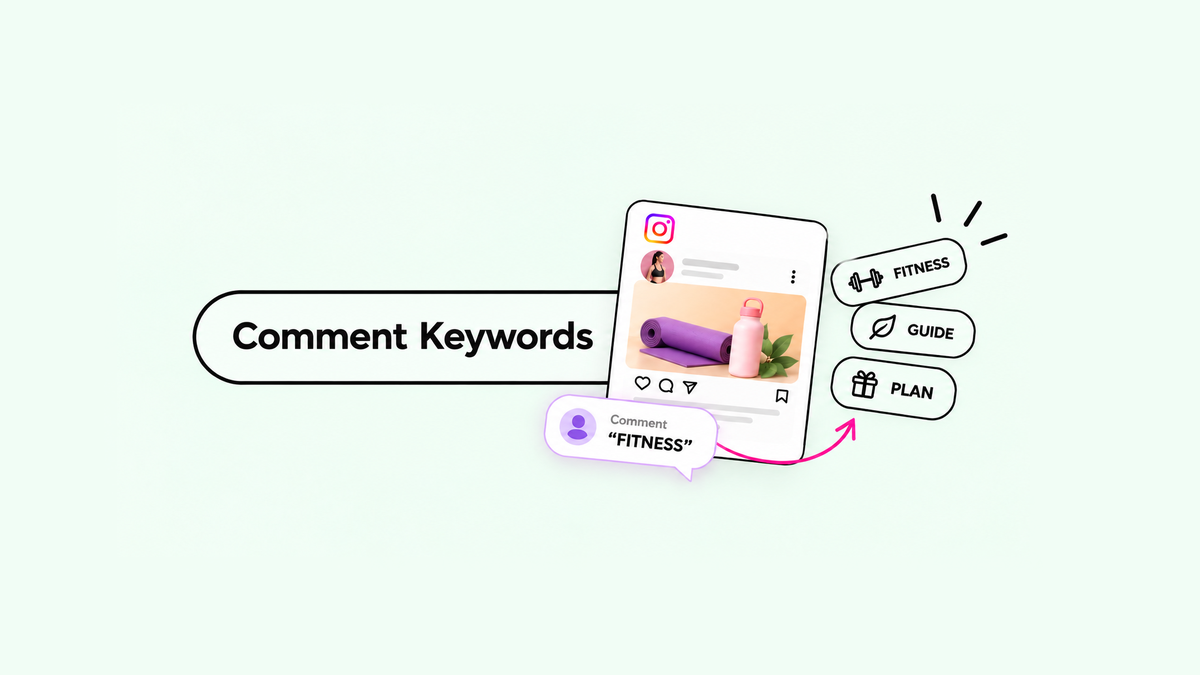
The automation most people start with. Someone comments a keyword on a post or reel, and they get a DM with whatever they asked for: a link, a price list, a code or a download. You can attach it to one post, to every post you publish, or to your next post before you publish it.
Best for: lead magnets, product links, price lists, booking links, giveaways. In BlipDM: every plan, including Free. Read the comment-to-DM feature page or the step-by-step setup guide.
2. Public reply plus private DM
Alongside the DM, the automation posts a short public reply under the comment, such as "Sent you a DM!". It tells the commenter to check their inbox, shows everyone else that the keyword works, and keeps the comment section active, which helps the post's reach.
In BlipDM: every plan.
3. Story reply to DM
When someone replies to one of your Stories, they get a DM straight back. Stories are where your most engaged followers spend time, and a reply to a Story is a strong signal of interest. The automated DM lands inside Instagram's 24-hour window.
Best for: limited-time offers, launches, "reply YES for the link" Stories. In BlipDM: every plan. See Story reply automation.
4. Story mention replies
When someone mentions your account in their own Story, an automation thanks them in a DM, sends a discount code, or asks them to share more. It turns user-generated content into a conversation you can build on.
Best for: brands with customers who post about them, events, creators who reward shout-outs. In BlipDM: available.
5. Inbox keyword auto-reply
When someone sends a direct message containing a keyword, such as "price" or "menu", they get an instant answer. This covers the questions people send straight to your inbox rather than in the comments.
Best for: FAQs, price lists, opening hours, menus, booking links. In BlipDM: every plan.
6. Welcome and opener messages
The first message a person sees sets the tone. An opener greets them warmly before the main message, or asks a short question first, so the DM feels like a conversation rather than a link dropped in their inbox.
In BlipDM: available.
7. Follow-up messages
A follow-up message goes to the person after the first DM, while the 24-hour window is still open. It can remind them of the offer, ask whether the link worked, or send the next step. Follow-ups recover many of the people who saw the first message but did not act on it.
In BlipDM: available.
8. Follow to unlock
Follow to unlock (also called a follow gate) asks people to follow your account before the DM delivers the link or freebie. The tool checks that they followed, then unlocks the content in the same conversation. It is one of the most effective ways to turn a viral post into lasting followers.
In BlipDM: Elite plan, $6 a month. See Follow to unlock.
9. Email and phone capture
Instead of sending the link straight away, the DM first asks for an email address or mobile number, checks that it is valid, saves it, and then sends what the person asked for. You end up with a contact list you own, outside Instagram.
Best for: coaches, course creators, newsletters, local businesses that follow up by phone. In BlipDM: Elite plan, $6 a month, with contacts saved and exportable as CSV. See Lead capture.
10. Rich DMs: buttons, images and carousels
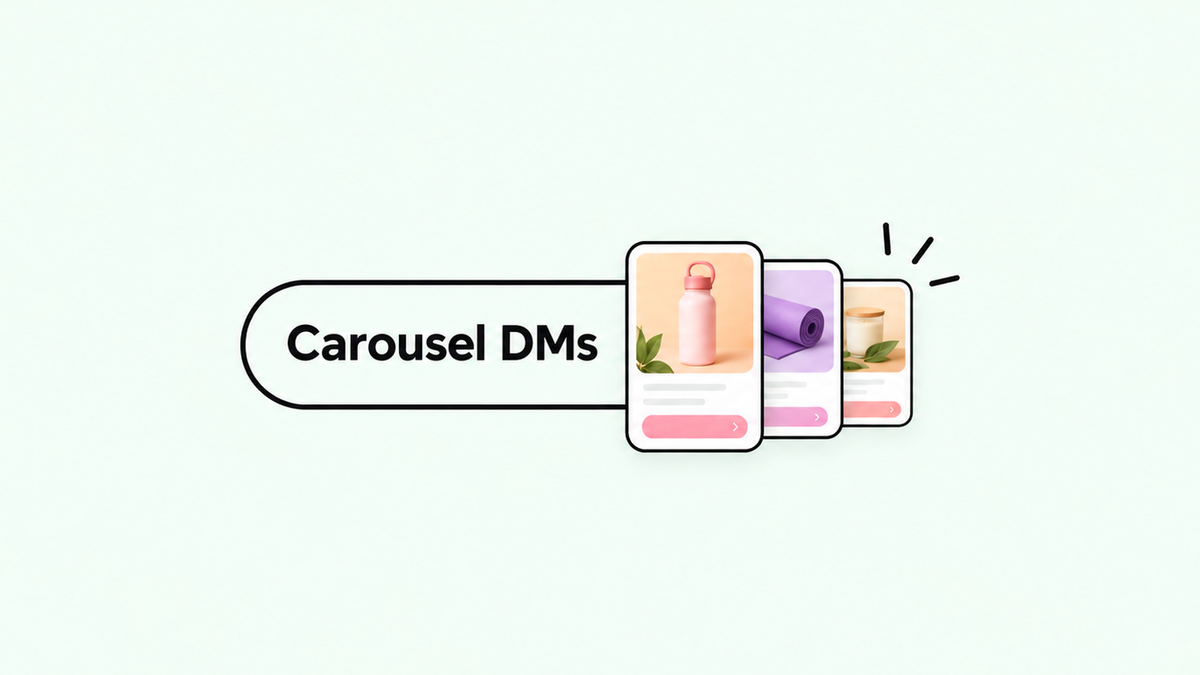
A DM does not have to be plain text. It can carry link buttons, an image with a caption, or a carousel of swipeable cards, each with its own image, caption and button. Carousels work especially well for showing several products from one comment.
In BlipDM: text with up to three link buttons, or an image with a caption, on every plan. Carousels of up to five cards on Pro and Elite. See Carousel DMs.
11. Next post automation
You set the automation up before you publish, and it attaches to your next post or reel. The first comment gets an answer as quickly as the hundredth, which matters because the first hour after posting is when most comments arrive.
In BlipDM: Pro and Elite.
12. AI replies
AI replies generate a written answer to questions in DMs or comments, based on information you give the tool about your business. They suit accounts that get many varied questions rather than one repeated keyword.
In BlipDM: in beta, being tested with early users.
Other automations you will see
Beyond these, some tools offer automations on Instagram Live comments, on comments under boosted posts and ads, broadcasts to people who recently messaged you, and visual flow builders for branching conversations. Most creators and small businesses get the bulk of their results from the twelve types above, starting with comment to DM.
The automations at a glance
| Automation | Trigger | Typical use | BlipDM plan |
|---|---|---|---|
| Comment to DM | Keyword comment on a post or reel | Send a link, code or price list | Every plan |
| Public reply plus DM | The same comment | Show the keyword works, keep comments active | Every plan |
| Story reply to DM | Reply to your Story | Launches and limited-time offers | Every plan |
| Story mention replies | Mention in someone's Story | Thank customers, reward shout-outs | Available |
| Inbox keyword reply | Keyword in a direct message | FAQs, menus, booking links | Every plan |
| Welcome and opener | The first message | Warm, conversational start | Available |
| Follow-up messages | No action after the first DM | Recover people who did not click | Available |
| Follow to unlock | Any of the above | Grow followers before the link | Elite |
| Email and phone capture | Any of the above | Build a contact list you own | Elite |
| Carousel DMs | Any of the above | Show several products at once | Pro and Elite |
| Next post automation | Your next post or reel | Answer the very first comments | Pro and Elite |
| AI replies | Questions in DMs and comments | Varied customer questions | Beta |
What to automate first, by goal
- Creators sending links: comment to DM on every reel with one keyword, plus a public reply. Add follow to unlock when a post starts to take off.
- Coaches and experts: comment to DM that delivers a free guide in exchange for an email address, followed by a booking link.
- E-commerce brands: carousel DMs that show the products from the post, each with a "Shop" button, plus story replies for launches.
- Food and beverage businesses: inbox keyword replies for "menu" and "hours", and comment to DM for offers.
- Artists and labels: comment to DM for pre-saves and new releases, and story mention replies to thank fans who share your work.
Set up your first automation in five minutes
Here is how a first comment-to-DM automation looks in BlipDM. It works on the Free plan.
- Connect Instagram. Go to blipdm.com, click Start for free, and sign in on Instagram's own screen.
- Pick the post. Choose one post or reel to start with. You can switch to every post later.
- Choose the keyword. Pick one short, plain word, such as
LINKorGUIDE, and say it in your caption. See how to choose a comment keyword. - Write the DM. A friendly line, what they asked for, and a button. The preview shows exactly what the person will receive.
- Go live and test. Save and activate, then comment the keyword from a second account to check the DM arrives.
Writing DMs that people act on
- Deliver what you promised in the first message. If the caption says "comment GUIDE for the guide", the guide should be one tap away.
- Mention the trigger. "Here is the guide you asked for under my reel" tells the person why they got the message.
- Use a button, not a bare link. Buttons are easier to tap and look more trustworthy.
- Keep it short. People read DMs on their phones. Two or three sentences is plenty.
- Ask one thing at a time. If you ask for an email, ask only for the email.
Mistakes that get accounts restricted
- Using tools that ask for your password or automate the Instagram app itself. Stick to official-API tools.
- Sending a raw link with no context. Messages that look like spam get reported, and reports are what usually lead to restrictions.
- Sending identical messages at very high volume without pacing. A good tool paces replies under Instagram's hourly limit for you.
- Following up outside the 24-hour window with promotional messages.
- Triggering on very common words like "nice" or "love", which send DMs to people who never asked.
How to measure results
Track three numbers for each automation: how many DMs went out, how many people tapped the button, and, if you capture contacts, how many emails or numbers you collected. Change one thing at a time (the keyword, the first line of the DM, or the offer) and compare week to week. BlipDM shows messages sent and activity over 7, 14 or 30 days, and keeps every contact in Contacts with CSV export.
Choosing a DM automation tool
Every official-API tool can send a comment-to-DM. The differences are in what each plan includes and how you are charged:
- Per DM: you pay for the messages the tool sends. Contacts and automations do not change the bill. This is how BlipDM works.
- Per contact: you pay for the number of people you message each month, so a growing audience pushes you into higher tiers even if you send the same automations.
- Flat tiers with limits: you pay a fixed price for a set number of DMs, accounts or automations.
Check whether the free plan adds the tool's branding to your messages, which plan unlocks follow to unlock and email capture, and what a viral month would cost. Our comparison of the best Instagram DM automation tools in 2026 puts seven tools side by side on exactly those points. For one-to-one comparisons, see BlipDM vs ManyChat, vs LinkDM, vs InstantDM and vs Inrō.
Why creators choose BlipDM
BlipDM is built for one job: automating Instagram DMs for creators and small businesses, and doing it completely.
- Every core automation in this guide: comment to DM, public replies, story replies, story mentions, inbox keywords, welcome and follow-up messages, follow to unlock, email and phone capture, carousels and next-post automation.
- No branding watermark on any plan, including Free.
- Unlimited automations and contacts on every plan. Only DMs are counted.
- Free plan with 500 DMs a month and no credit card. Pro at $3 a month with 50,000 DMs. Elite at $6 a month with unlimited DMs, follow to unlock and lead capture.
- Built for India and the world: ₹99 and ₹499 a month in India, with UPI and UPI AutoPay, and $3 and $6 everywhere else.
- Official API and Meta Tech Provider, with replies paced safely under Instagram's limits.
Frequently asked questions
What is Instagram DM automation?
Instagram DM automation is software that sends a direct message automatically when someone engages with your account, for example by commenting a keyword on a post, replying to your Story, mentioning you or sending you a message. It runs on Instagram's official API, so the message comes from your own account.
Is Instagram DM automation allowed in 2026?
Yes, when it runs on Meta's official API. The person has to start the interaction, you can send one private reply per comment within 7 days, and you can message freely for 24 hours after the person's last message. Tools that ask for your password or send cold DMs are not allowed and put accounts at risk.
Can I automatically DM new followers?
Not through the official API today. Automation has to start from something the person did, such as a comment, a story reply, a mention or a message. You can ask people to follow you as part of the conversation with follow to unlock.
What types of Instagram DM automation are there?
The main types in 2026 are comment to DM, public reply plus DM, story reply to DM, story mention replies, inbox keyword replies, welcome and follow-up messages, follow to unlock, email and phone capture, rich DMs with buttons and carousels, next post automation and AI replies.
How much does Instagram DM automation cost?
Free plans exist on most tools. Paid plans range from about $3 to over $100 a month depending on volume and features. BlipDM has a Free plan with 500 DMs a month, Pro at $3 a month with 50,000 DMs, and Elite at $6 a month with unlimited DMs. In India the prices are ₹99 and ₹499 a month.
Do automated DMs land in message requests?
They can, if the person does not follow you. The DM still arrives, but it may show under message requests. Mentioning in your caption or public reply that you have sent a DM helps people find it.
How fast are automated DMs sent?
Usually within seconds of the comment, story reply or message. On a viral post, a well-built tool paces replies under Instagram's hourly limit and sends the rest as capacity frees up.
Will DM automation get my account banned?
Official-API automation that answers people who asked is what Instagram's messaging tools are designed for. Accounts get into trouble with unofficial tools, spam-like messages, very common trigger words, and promotional follow-ups outside the 24-hour window.
Can I pay for BlipDM with UPI in India?
Yes. Customers in India can pay with UPI, including UPI AutoPay, so Pro (₹99 a month) and Elite (₹499 a month) renew automatically without a card.
Does BlipDM add a watermark to my DMs?
No. BlipDM adds no branding to your messages on any plan, including Free.