An Instagram broadcast channel is a one-to-many chat inside Instagram's DMs. You post messages, photos, videos, voice notes and polls, and your followers who join get them in their inbox. Members can react and vote, but they can't post in the channel itself unless you turn on replies.
This guide covers who can create a channel, why the option is missing for many accounts, how to set one up, what to post, how to grow it, and the question people often mix up: a broadcast channel is not the same as a "DM broadcast" sent by an automation tool.
Key takeaways
- Broadcast channels are public and discoverable, but only your followers can join, according to Instagram's Help Center.
- Instagram doesn't publish a follower minimum. Most creators who have the option use a public Creator account. If you don't see it, check your account type and app version, then wait. Instagram is still rolling it out.
- Create it from your DMs: compose (pencil icon) → Create broadcast channel. Your first message sends your followers a one-time invitation to join.
- A channel can't message people one by one or send links that track a single person. To reply to each person who comments or replies to a Story, use comment-to-DM or story-reply automation.
What is an Instagram broadcast channel?
Instagram launched broadcast channels in February 2023 as "a public, one-to-many messaging tool for creators to directly engage with their followers".
In practice, the channel lives in each member's DM inbox, and as a link on your profile. Anyone can see that your channel exists, but only your followers can join it. You post in it, along with any creators you invite as collaborators. You can send text, photos, videos, voice notes, polls, questions and prompts.
Members can react with emoji, vote in polls and answer prompts. They can also reply if you turn replies on. Every new message sends members a notification unless they've muted the channel, which is why posting too often makes people leave.
Brands use channels for product drops, behind-the-scenes updates and early-access codes. Creators use them for news, polls and voice notes that feel more personal than a feed post.
Broadcast channel requirements: who can create one?
Instagram's Help Center doesn't list a minimum follower count, and third-party guides disagree (some say 1,000, some 10,000). Here's what consistently matters:
- A professional account. A Creator account is the safest bet. Some guides say Business accounts also qualify, but personal accounts don't.
- A public profile. Only followers can join, so a private account gains little from it.
- The latest app version. New messaging features usually arrive in app updates first.
- An account in good standing. Recent Community Guidelines strikes can hold features back.
- Being in the rollout. Instagram says the feature isn't available to everyone yet, so two similar accounts can see different options.
"Instagram broadcast channel option not showing": what to try
- Switch to a Creator account: Settings and activity → Account type and tools → Switch to professional account → Creator. You can switch back.
- Update Instagram from the App Store or Play Store, then force-close and reopen it.
- Make your account public if it's private.
- Look in the right place. Open your DMs and tap the compose (pencil) icon. The option appears there, not on your profile.
- Check from the other platform. Some features show on iPhone before Android, or the reverse.
- Wait a week or two. If none of the above works, the feature hasn't reached your account yet. There's no form to request it.
How to create an Instagram broadcast channel
- Open your DMs and tap the compose (pencil) icon.
- Tap Create broadcast channel.
- Name the channel. Make it clear what people get, like "Anu's Candle Club: drops & early codes".
- Choose the audience. All followers, or only paying subscribers if you use Instagram Subscriptions.
- Set an end date if it's for a short campaign (optional).
- Choose whether to show the channel on your profile. Leave this on so people can find it.
- Tap Create, then send your first message. Instagram sends your followers a one-time notification inviting them to join.
What to post in a broadcast channel
Early access is the strongest reason to stay in a channel, because members get something followers don't. For example: "Sale starts for you at 7pm, everyone else at 9pm."
Polls are quick to answer and tell you what to make or stock next: "Which scent should we restock first?"
Voice notes feel personal and show the person behind the brand. A 30-second update from the founder does more than a polished graphic.
Behind-the-scenes photos are a home for content that doesn't fit your feed, like the studio or packing day.
Exclusive codes give people a clear reward for staying: "CLUB15, valid 48 hours."
Prompts get members talking when replies are on: "Tell us your favourite order this year."
Launch countdowns build demand before a drop: "3 days. Here's a first look."
How often? Two to four messages a week is a common rhythm. Every message notifies members, so too many push people to mute or leave.
How to grow your broadcast channel
- Pin it on your profile. It appears under your bio when "show on profile" is on.
- Share the channel in your Stories with a reason to join: "Codes go to channel members first."
- Mention it in Reels and captions: "Join my channel for the recipe card."
- Invite a collaborator with a similar audience to post in your channel for a week.
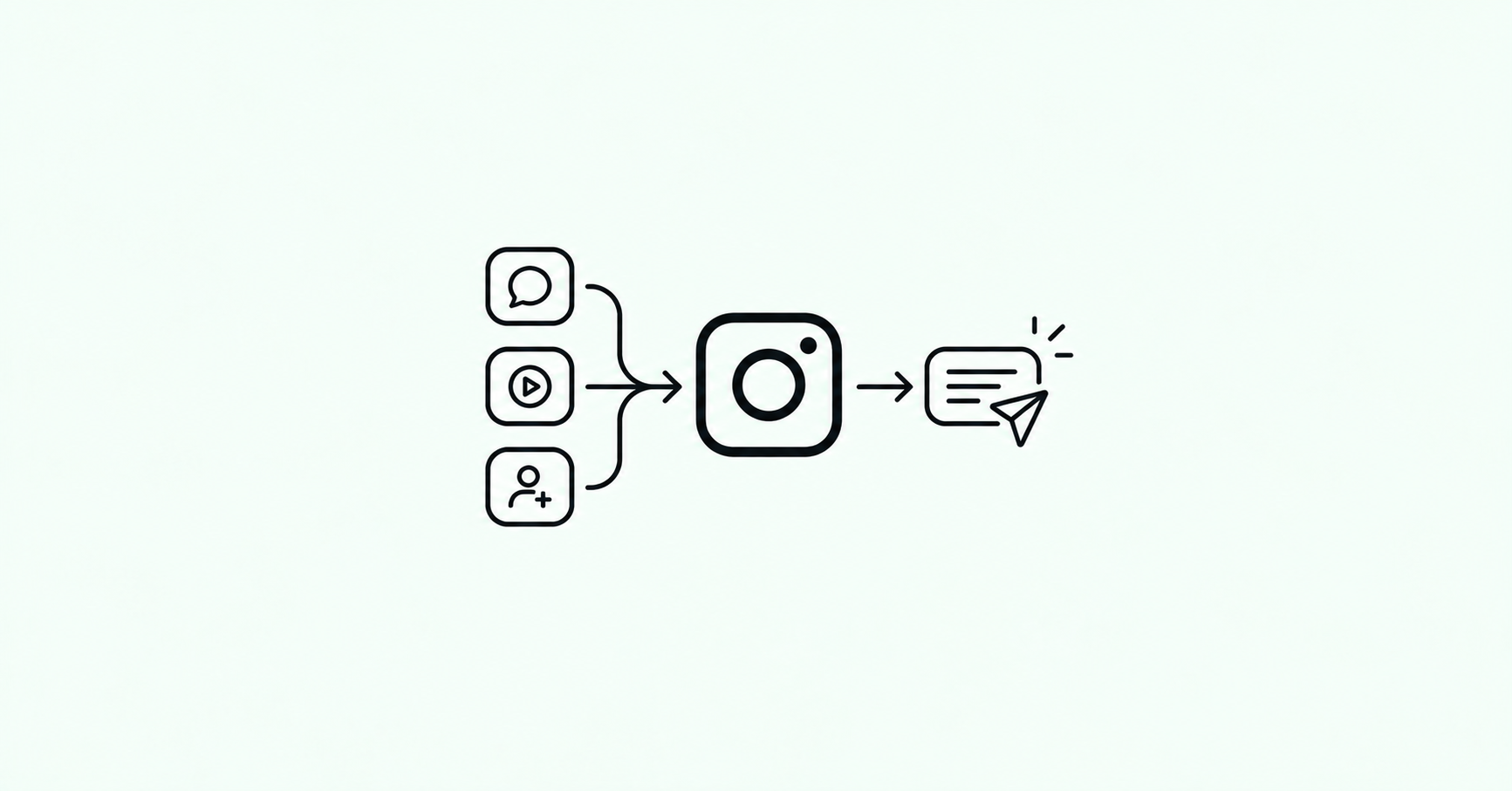
- Use DMs to point people to it. When someone comments or replies to a Story, an automated DM can include "Join our channel for early access" with a link to it.
- Give members something real, regularly. Members leave channels that only repeat the feed.
Broadcast channel vs DM broadcast: not the same thing
People often search "broadcast Instagram ManyChat" or "how to broadcast a message on Instagram" expecting to message every follower privately. Those are two different things.
A broadcast channel is one shared stream. It reaches the people who chose to join your channel, and they all see the same message, inside the channel in their inbox. It's built for updates, drops and polls.
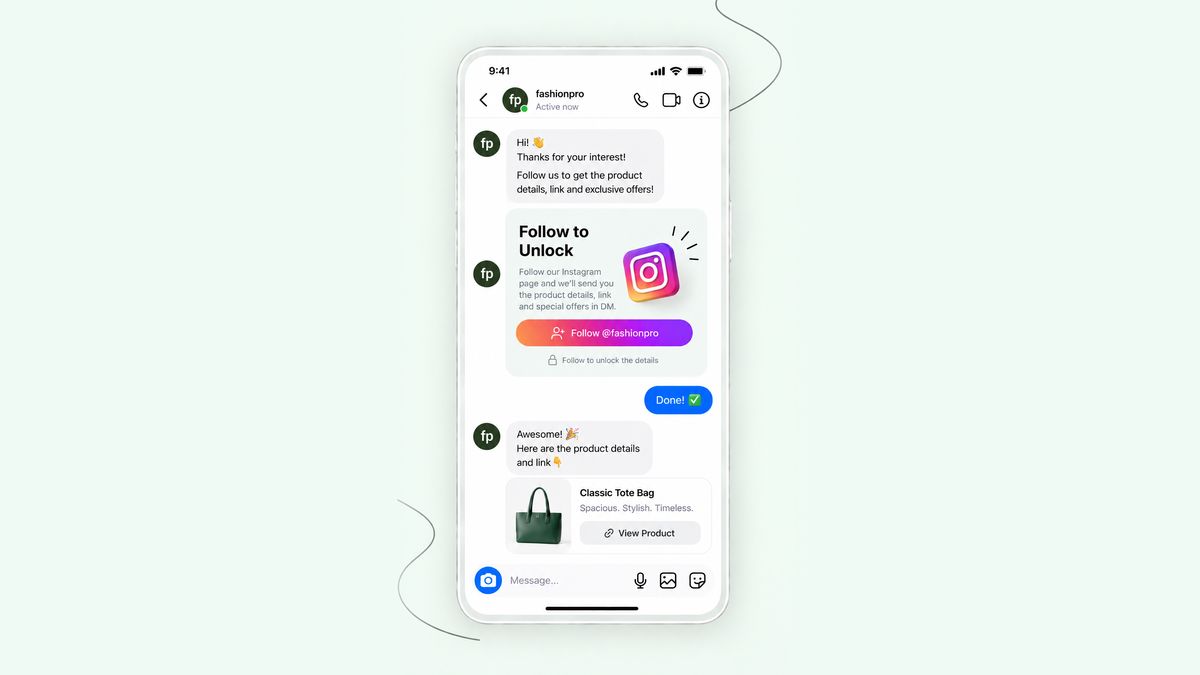
A "DM broadcast" from an automation tool sends individual DMs, one per person, into a normal one-to-one chat. Each message can be personalised with the person's name and what they did. But under Meta's rules you can only send these to people who messaged you recently, usually within the last 24 hours. It's built for answering a comment, Story reply or DM with the right link.
Meta's messaging rules for businesses only let you message someone after they contact you. Comments, Story replies and DMs open a 24-hour window, with narrow exceptions. That's why no legitimate tool can DM all your followers at once. Tools that promise "mass DM" use unofficial methods, and those get accounts restricted.
The setup that works: use the broadcast channel for one-to-many updates, and comment-to-DM and story reply automation to answer each person who raises a hand. A channel post can even say "Comment DROP on today's Reel for the link", and the automation sends each person their link privately.
Broadcast channel ideas by type of account
- Online shop: restock alerts, early codes, polls on new colours, packing-day photos.
- Coach or educator: weekly tips, voice notes, Q&A prompts, early seats for workshops.
- Restaurant or café: today's specials, new menu tastings, reservation openings for festive dates.
- Creator: news before it hits the feed, polls on your next video, giveaway announcements.
- Musician or artist: new release countdowns, studio clips, ticket pre-sales.
Frequently asked questions
What is a broadcast channel on Instagram?
A one-to-many chat in Instagram's DMs where a creator or brand posts updates, photos, videos, voice notes and polls. Followers who join get the messages in their inbox and can react and vote, but can't post unless replies are turned on.
How many followers do you need for a broadcast channel?
Instagram doesn't publish a minimum. Third-party guides quote anything from 1,000 to 10,000. The option depends on account type (usually a public Creator account), app version and whether the feature has reached your account.
Why can't I create a broadcast channel on Instagram?
The most common reasons: you're on a personal account, your account is private, your app is out of date, or the feature hasn't been rolled out to your account yet. Switch to a Creator account, update the app and check the compose (pencil) icon in your DMs.
Can people reply in an Instagram broadcast channel?
Members can always react and vote in polls. In December 2024 Instagram started letting creators turn on replies in their broadcast channels, so members can respond to your messages.
Can business accounts use broadcast channels?
Some guides say yes and some say Creator accounts only. If the option doesn't appear on your Business account, switching to a Creator account is the quickest test, and you can switch back.
Is a broadcast channel the same as a DM broadcast?
No. A channel is one shared stream that members join. A DM broadcast means sending individual DMs, which Meta only allows to people who messaged you recently, usually within 24 hours. Automation tools reply to comments, Story replies and DMs within that window. They can't message all your followers.
How do I leave or mute a broadcast channel?
Open the channel, tap its name at the top, then choose Mute to stop notifications or Leave channel to exit.